Making YouTube videos without paid tools: the code-video pipeline
Treat video as code and the repeatable parts of a channel cost render time instead of a monthly fee. Intros, outros and data segments you own forever.
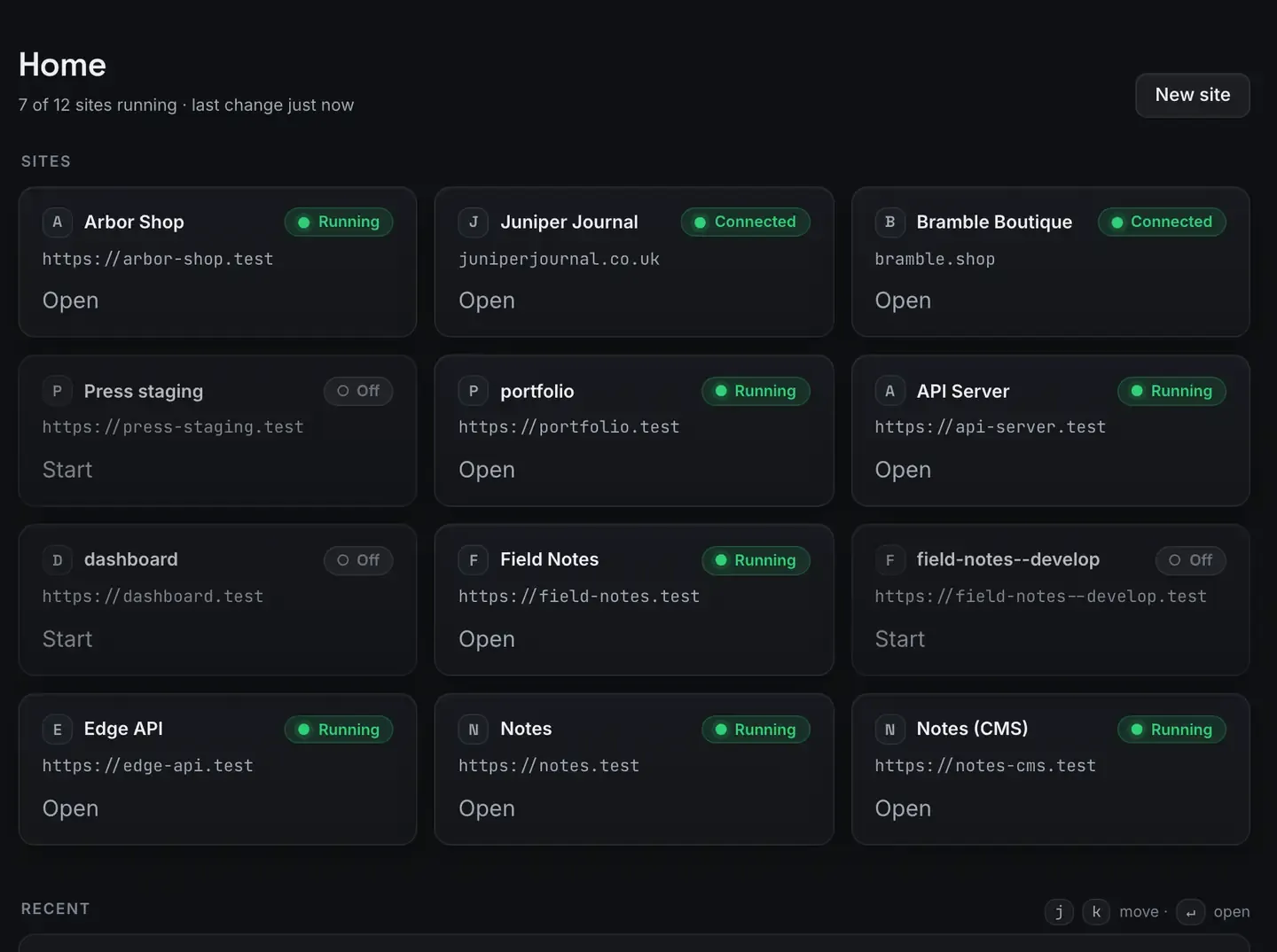
You can make the repeatable parts of a YouTube channel without a single paid tool by treating video as code. Instead of dragging clips around a timeline in a subscription editor, you describe the video, an agent writes the scene as React components, and Remotion renders it.
One clarification up front, because it matters: this is programmatic video, not a generative model. Nothing here invents footage from a prompt. The agent writes deterministic code, titles, transitions, data animations, captions, and the renderer turns it into frames. You get repeatable, version-controllable video, which is exactly what a channel with a consistent format wants.
The Studio, for docs, video and images, runs on macOS.
Why code video fits a zero budget
Timeline editors are priced per seat and per month, and the good features sit behind the top tier. A code pipeline inverts that. Remotion and Bun are open source, they install into ReDock’s own folder, and the render happens on your machine, so a ninety-second intro costs render time rather than render credits.
The trade is worth naming. Code video is excellent for anything templated: channel intros, explainer segments, data animations, lower thirds, end cards. It is poor for hand-cut footage of a person talking. Most channels are a mix. Use the pipeline for the repeatable part and the recurring bill for that part disappears.
The pipeline, step by step
Create a Remotion site. Bun and the toolchain are provisioned for you, with no install step. The stacks reference lists what each stack includes.
Describe the scene. The whole app is MCP tools on 127.0.0.1:47200, so Claude Desktop, Claude Code, Cursor or ReDock’s own agent can write into the project. “A fifteen-second intro: the logo wipes in, the title types out, the background is a slow gradient.” The agent writes the React.
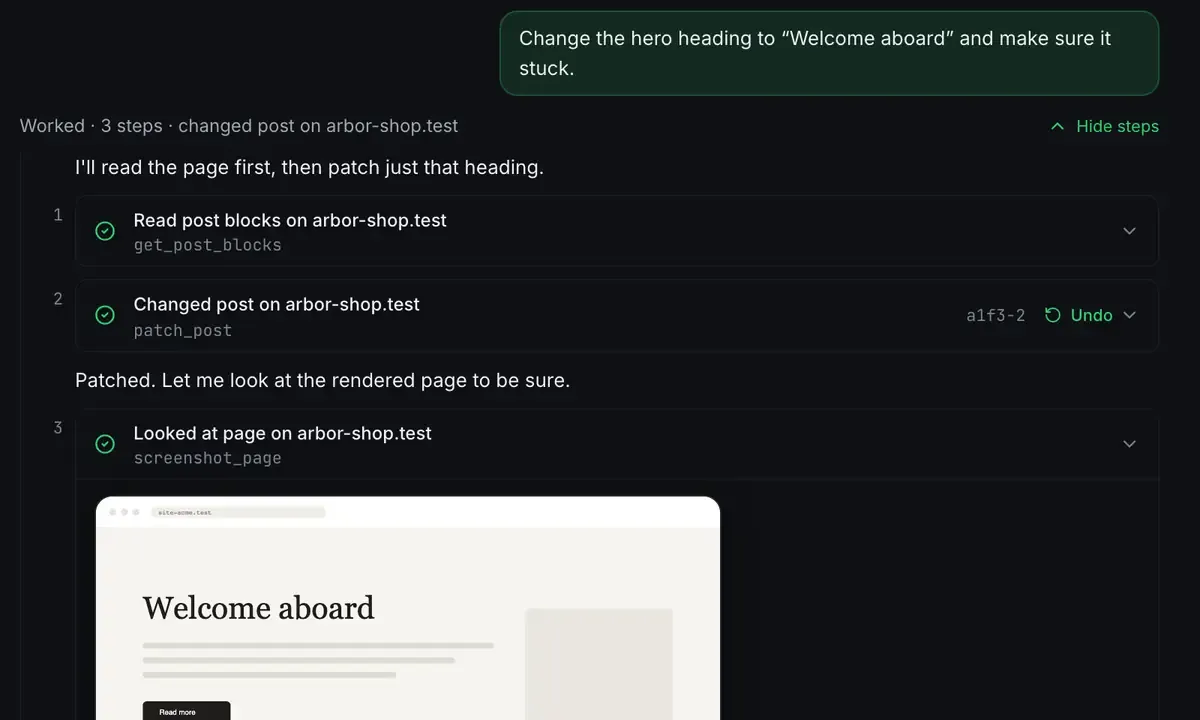
Preview and iterate. The preview shows the composition. You adjust in plain language, slower type-on, warmer gradient, and the agent edits the components.
Render. One command produces the file, with no watermark and no export cap.
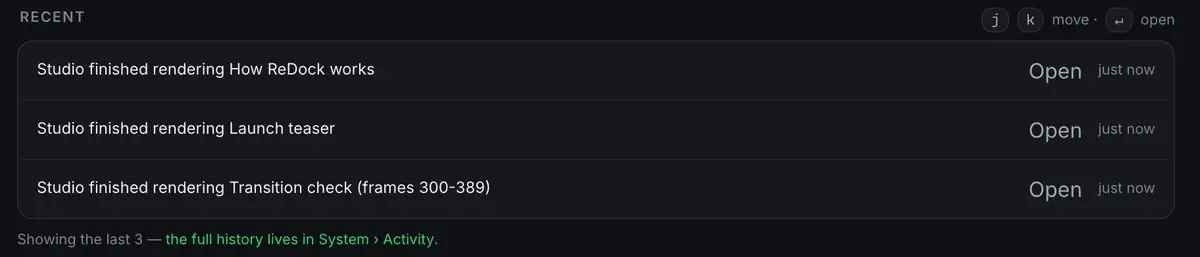
Note the third line again: re-rendering the ninety frames of one transition rather than the whole video. That is only possible because the output is deterministic, and it is the difference between fixing a transition in a minute and re-exporting for ten.
The intro you own forever
This is the highest-value thing to build first, so it deserves its own section.
An online intro maker hands you a rendered file and keeps the project. Want to change the tagline next month? You are back in their editor, often behind a paywall or a watermark, exporting again.
A Remotion intro is a component in a folder you control. The text, colours, logo and timing are values in the code. The changeable parts, episode title, number, guest name, are props passed into the scene. For a new video you set the props and render. The animation, timing and branding stay fixed; only the text changes.
A typical intro is three beats: the logo animates in over the first second, computed from the frame number; the channel name and tagline appear as real text from variables; a wipe or fade takes you into the content. An outro is the same idea reversed: a line asking people to subscribe, two more videos, your handle. Build both as scenes in one project. The Remotion tutorial starts from nothing.
Because it is code, your channel name is spelled correctly and your colour is exact every single time, which for something this repeated is the whole point. Commit it and it is reproducible in five years. Render it a thousand times at no marginal cost.
Want it faster still? An agent can render a whole season’s intros from a list of episode titles, which is render farm of one, and it can help design the template in the first place, which is Claude-written Remotion scenes.
Getting a rough cut in front of somebody
A finished file uploads straight to YouTube, and you will often want to show a work in progress first.
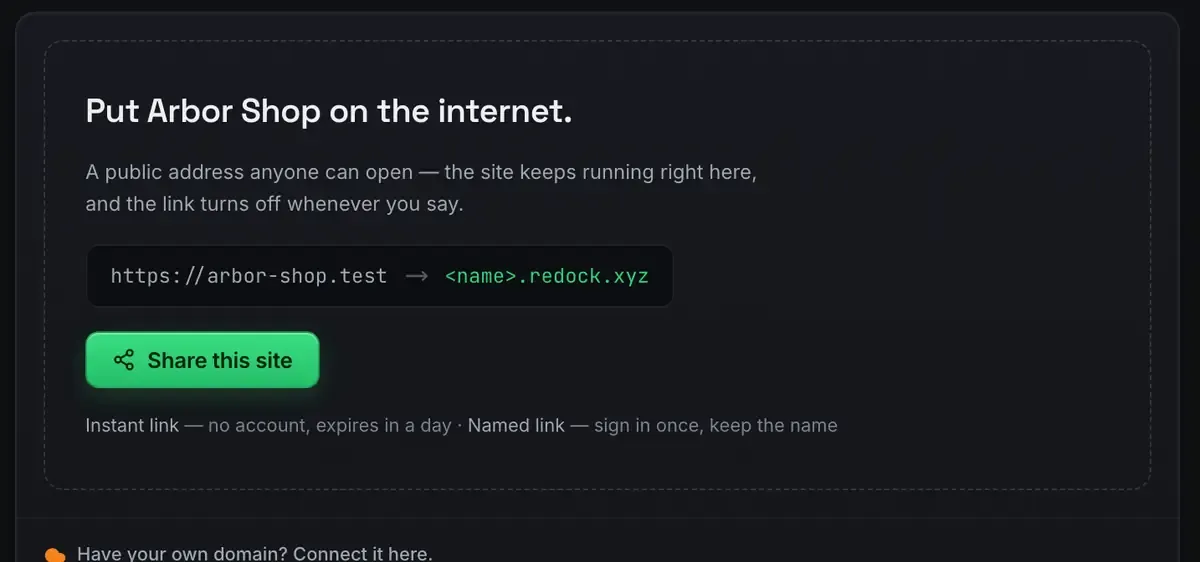
Quick links are unlimited and unlisted. Named links keep their name, so a review link you sent survives past the afternoon. The sharing docs cover both.
Where this fits
The zero-dollar creator stack is the pillar this hangs off, and a one-person content pipeline shows how to automate the cadence around it.
FAQ
Is Remotion generating the video with AI?
No. It renders video from React code that the agent writes. It is deterministic and repeatable, the opposite of a text-to-video model, and every frame comes from code you can read and edit.
Is there a watermark?
No. You own the whole pipeline. The project renders on your machine and outputs a clean file, with nothing to remove and no export cap.
Do I need to know React?
It helps, and you can direct the agent in plain language and review what it writes. Because a composition is reusable, most of the work after the first video is changing props rather than writing components.
Does this run on Windows?
Not yet. The Studio runs on macOS. Sites, the agent, sharing and the MCP server are the same on macOS and Windows.
An intro you own forever beats one you rent by the month. Download ReDock and render the first scene today.