From idea to shipped side project in one evening, for nothing
The evening usually goes on setup. Fifteen minutes to a running site with real HTTPS, then build, share for feedback, and deploy free when it is ready.
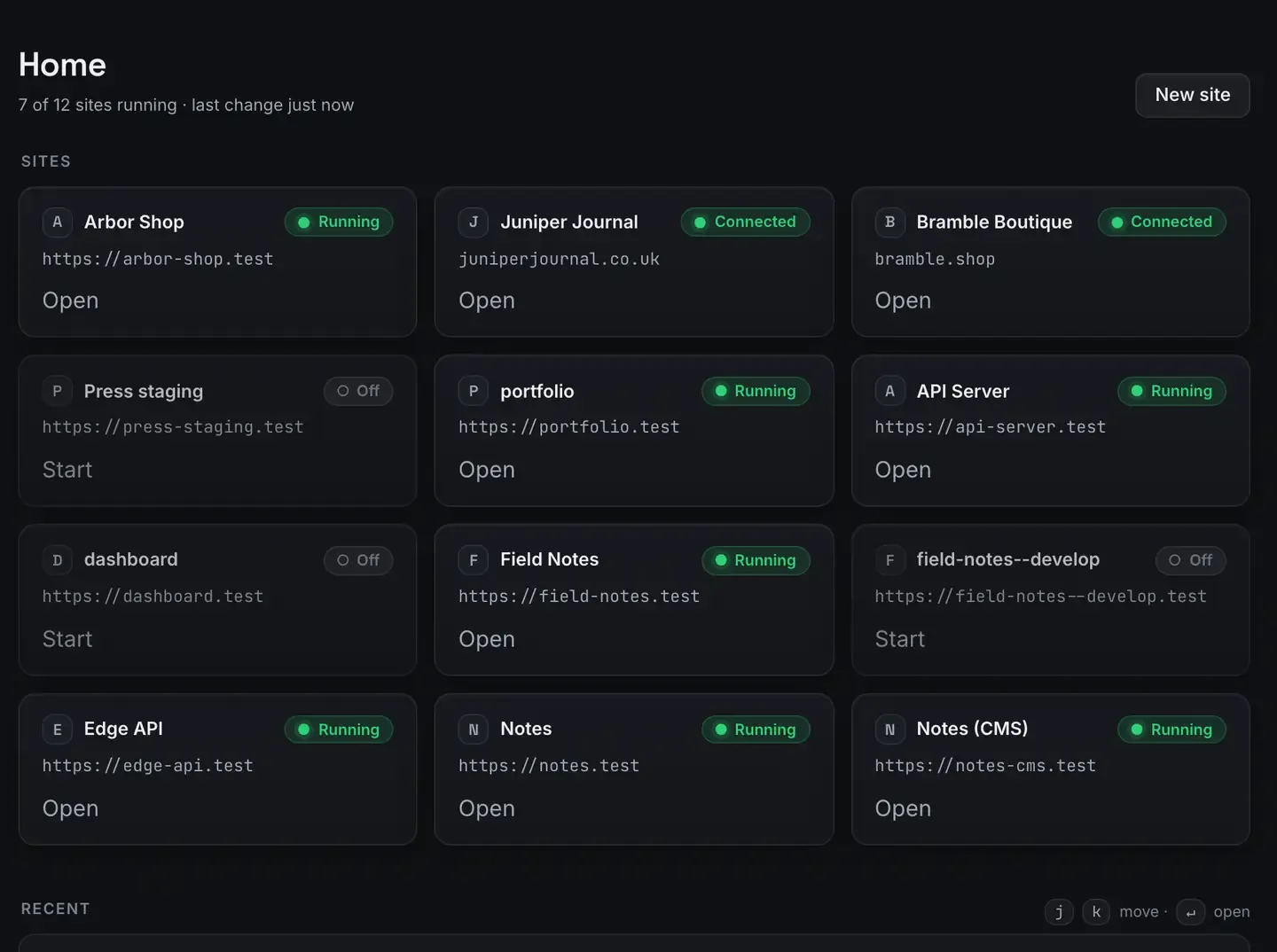
You can take a side project from idea to shipped in one evening, for nothing, if the tooling stops fighting you.
The usual evening evaporates in setup: installing a runtime, configuring a database, fighting HTTPS, picking a host. ReDock collapses that into a running site, an agent that builds alongside you, a link you can send, and a one-click free deploy. It is free, on macOS and Windows.
This is a guide about what you can ship in an evening, not a promise about what a side project will earn.
The evening, budgeted
Say you have three or four hours.
0:00 to 0:15, get a site running. Whatever stack fits: WordPress for content, Astro or Next.js for something static or app-shaped, Node or Bun for an API.
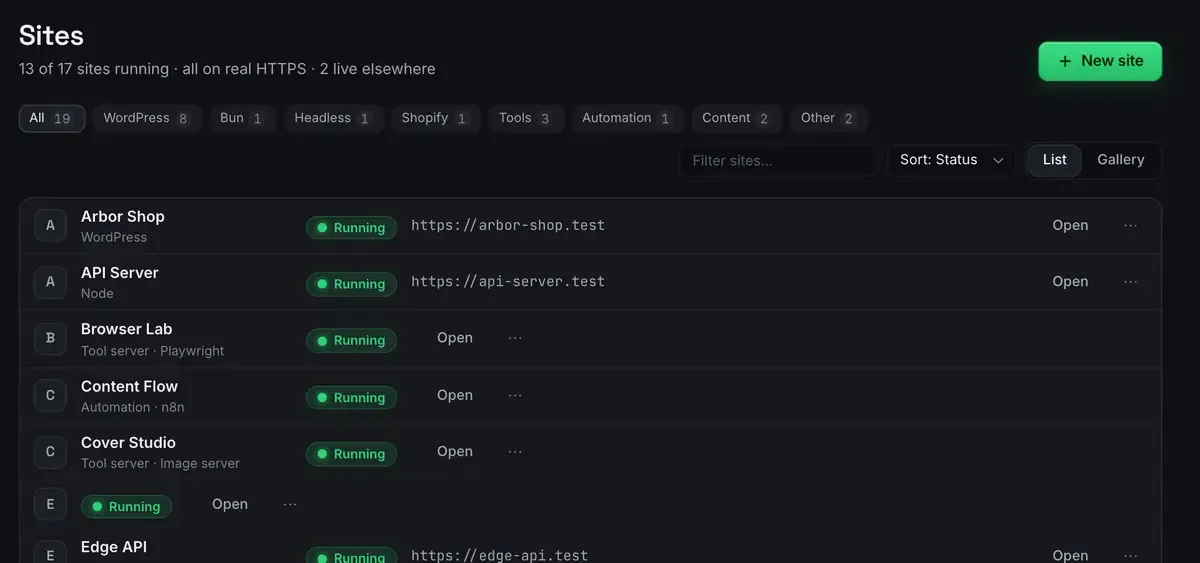
The runtime, the database if it needs one, and a trusted HTTPS address are all provisioned. No terminal. The first-site guide has it.
0:15 to 2:30, build. This is where the agent earns the evening.
2:30 to 3:00, share it for feedback.
3:00 to 3:30, deploy to a free permanent address if it is ready.
The point is that none of those four blocks is setup tax. The first is fifteen minutes rather than two hours, and the rest is the project.
Build at conversation speed
The whole app is published as MCP tools on 127.0.0.1:47200, so Claude Desktop, Claude Code, Cursor or ReDock’s own agent can operate the site directly: scaffold pages, install plugins, write content, wire a form, edit a component. For a WordPress project that is “install this plugin, create these three pages, put a contact form on the last one”. For an Astro or Next project it is editing components and content in place.
Every change is visible and reversible, so you can move fast without fear: the agent says what it changed and you can put it back. If you would rather not hold a key, the local model catalogue runs on the machine. What is MCP explains the mechanism and the MCP docs have the setup.
Show somebody before you commit
Before polishing anything, get one other person to look.
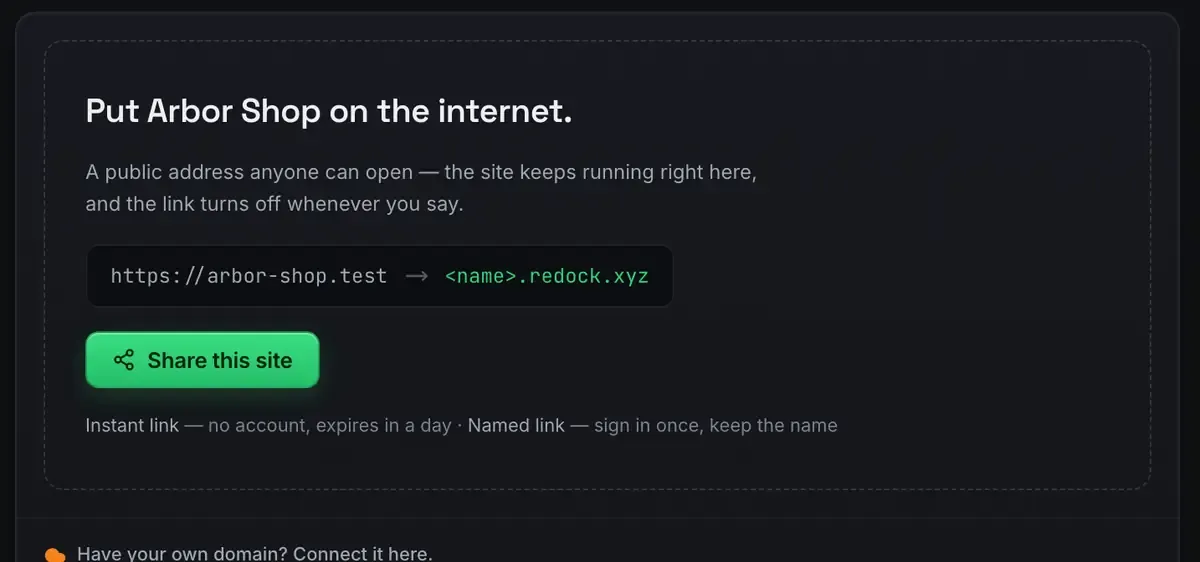
A quick link is one click, real HTTPS, and a friend can open it on their phone. If you want a link that survives the week, use one of the three named redock.xyz subdomains: those keep their name, unlike free tunnel tools that hand you a new address on every restart. The sharing docs cover both.
Feedback in an evening beats a week of guessing, and the link costs nothing.
Ship it, still free
When it is good enough to exist permanently, deploy from the same window to Cloudflare’s free tier, with a domain you own attached, so the project can live at a name you chose rather than a subfolder of somebody else’s platform. Deploy a website for free walks it and the deploy docs have the specifics.
That is the full loop, build, share, ship, without opening a hosting account or entering a card. The zero-dollar creator stack is the wider toolkit.
The honest part
An evening gets you shipped, not finished. A deployed side project is the start of the interesting work rather than the end. What this removes is the friction between having the idea and having something real at an address, which is the part that usually kills side projects before they exist.
FAQ
Do I really not need the terminal?
Correct. Runtimes, databases and HTTPS are provisioned through the app, and the agent operates sites over MCP. You can drop to a terminal if you want to, and nothing here requires it.
What if I do not finish in one evening?
The site persists between sessions and so do your named links. Pick it up tomorrow; nothing is torn down when you close the app.
Is the free deploy permanent?
Cloudflare’s free tier hosts it and the domain you attach is yours. Their pricing page has the current allowances, which ordinary traffic does not approach.
Does this work on Windows?
Yes. Sites, the agent, sharing and the MCP server are the same on macOS 12 Monterey or later and 64-bit Windows 10 or later.
Ready to ship something tonight? Download ReDock for macOS or Windows.