Shopify app development on localhost: the loop that has to close
A Shopify app is a service the store must be able to call back. Run it on the Node version it wants, give it a public HTTPS address, and watch the round trip in the logs.
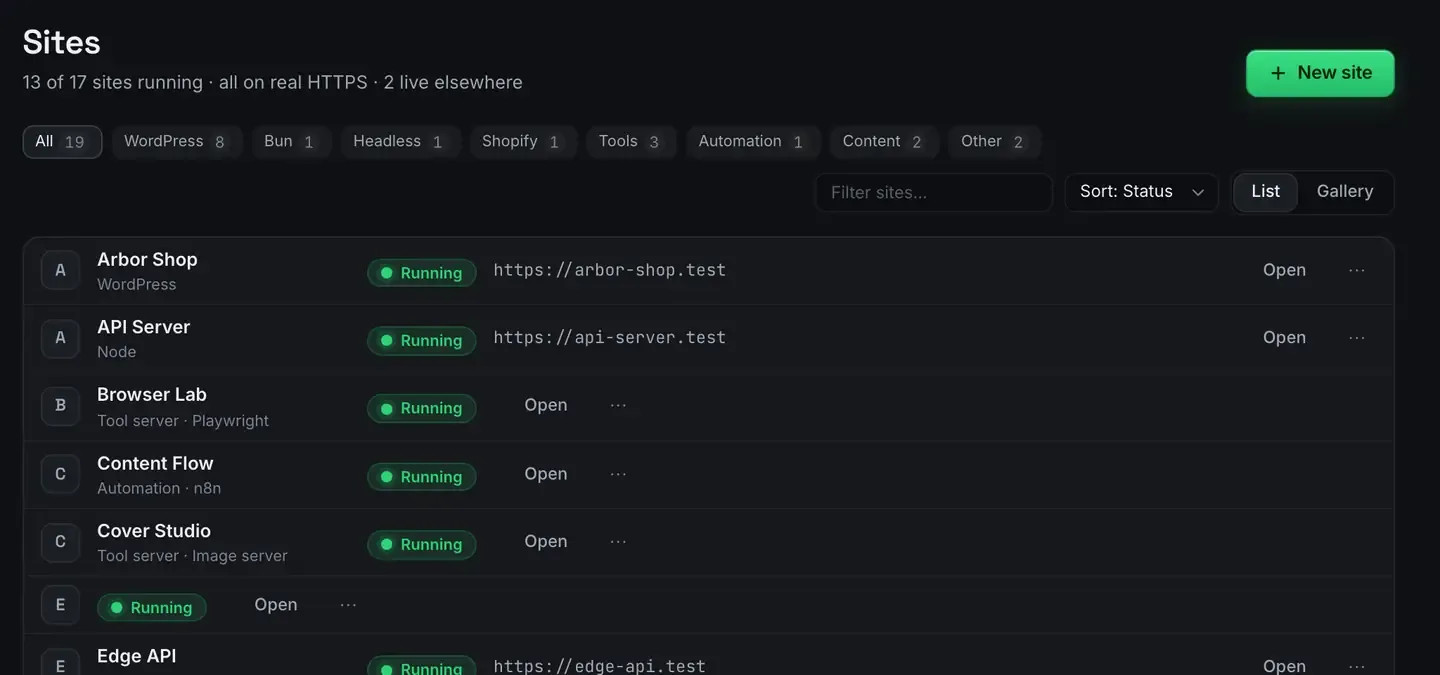
A Shopify app is not a page you preview locally. It is a Node service the store has to be able to call back, and that is the part localhost cannot do on its own.
Two things break without a public address. The OAuth redirect, when a merchant installs your app, goes to a callback Shopify’s servers have to reach. And webhooks are inbound requests to a URL you registered. Point either at a port on your own machine and nothing arrives.
ReDock covers the Shopify case with three things: the Node version the app wants, a public HTTPS address in one click, and the round trip visible in the logs. It is free, on macOS and Windows.
Worth saying plainly at the top: this is an environment for building a Shopify app. It is not a store-management tool, and there is no Shopify module or theme tooling in it.
The right Node, pinned to the site
Shopify’s CLI expects a particular Node version, and running on another one produces errors that look like your code’s fault and are not.
Pin the version on the site itself, from its Setup tab, and it stays pinned. Whatever Node you happen to have installed globally is irrelevant, because ReDock’s runtimes live in its own folder, per version, per site.
That also means two apps on two different versions sit side by side without arguing, which is the normal state of affairs once you have been building apps for a year.
A public address, in one click
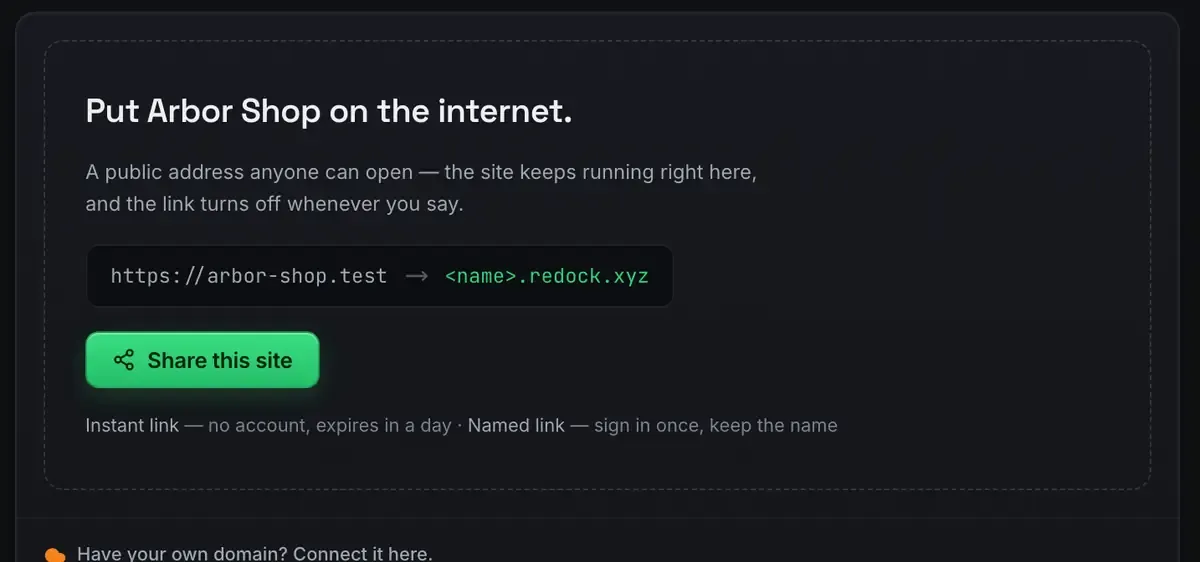
Turn sharing on and the app gets a real HTTPS address over a Cloudflare tunnel. Paste it into the Partner dashboard as the app URL, install on a development store, and the OAuth round trip completes against the code in front of you.
Use a named link rather than a quick one, because you are registering this address somewhere. A named link keeps its name for as long as you use it; a quick one expires in a day. Three named links are included on every plan.
Nothing is opened on your network. The tunnel is an outbound connection from your machine, and stopping the share makes the address go dark.
Watch the round trip
This is the part that saves the afternoon.
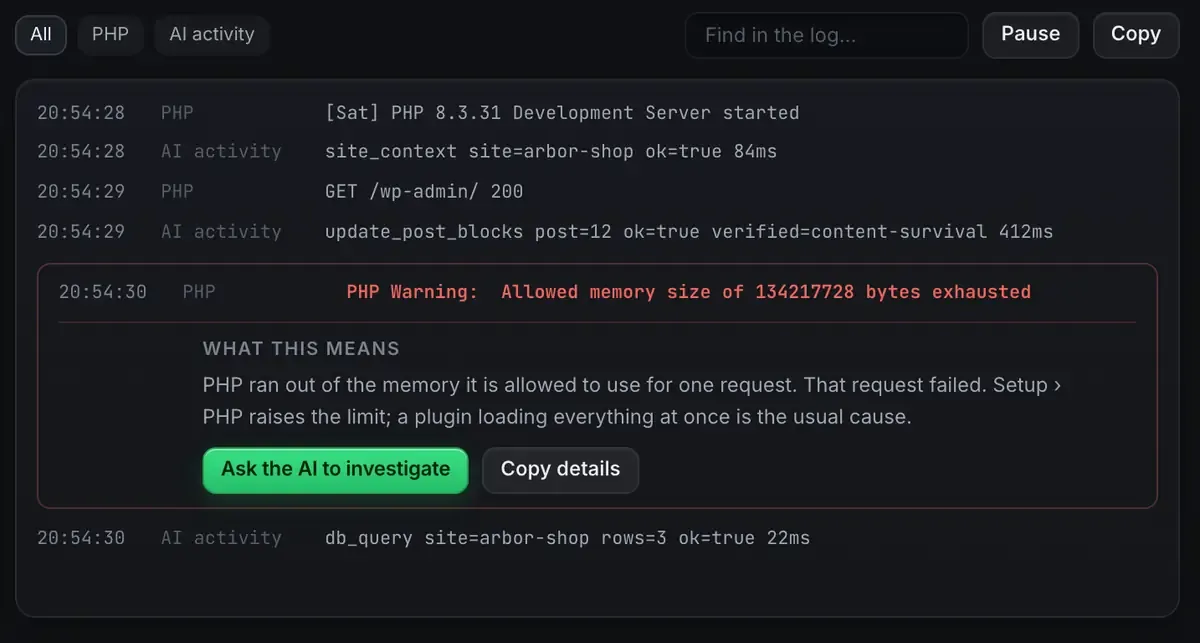
Webhook deliveries and the app’s own output stream into the Logs tab as they happen, and an error that would normally be a wall of text gets a sentence about what it means. When the install fails you can see whether the callback arrived at all, which is usually the whole question.
What this is, and what it is not
It is a place to develop a Shopify app: run it on the version it wants, complete OAuth, receive webhooks, iterate. The runtime and the public address are handled so you spend the time on the code.
It is not a store-management tool. It does not edit products, fulfil orders or operate a live shop. Shopify MCP: what an agent can and cannot do draws that line carefully, and the Shopify page states the same boundary.
Keeping that clear saves you from expecting the wrong thing.
Testing the full install flow
Because the address is real HTTPS, you can exercise the parts that normally only work once deployed. Install the app against a development store and watch OAuth complete against local code. Trigger webhooks and confirm the handlers run, which is testing Shopify webhooks locally. And check the environment before you deploy anything, which is the Shopify dev environment checklist.
Everything runs on your own machine. Only the tunnel is public, and only while you are sharing it.
FAQ
Can ReDock manage my Shopify store’s products or orders?
No. It runs and exposes your app locally so OAuth and webhooks work. It does not touch storefront data, and there is no theme tooling.
Do I still need a separate tunnelling tool?
No. The public HTTPS address your app needs for callbacks and webhooks comes with the site, and it is the same mechanism that shares any other site.
How does it know which Node version to use?
You pin it on the site, and it stays pinned. The runtime lives in ReDock’s own folder rather than on your system, so it does not matter what is on your PATH.
Does it work on Windows?
Yes. Sites, the agent, sharing and the MCP server are the same on macOS 12 Monterey or later and 64-bit Windows 10 or later.
Building a Shopify app and tired of the setup? Download ReDock for macOS or Windows.