Testing Shopify webhooks locally, without a separate tunnel tool
Webhooks are inbound requests, so localhost is unreachable and the events fire into a wall. The fix is one public HTTPS address, and it comes with the site.
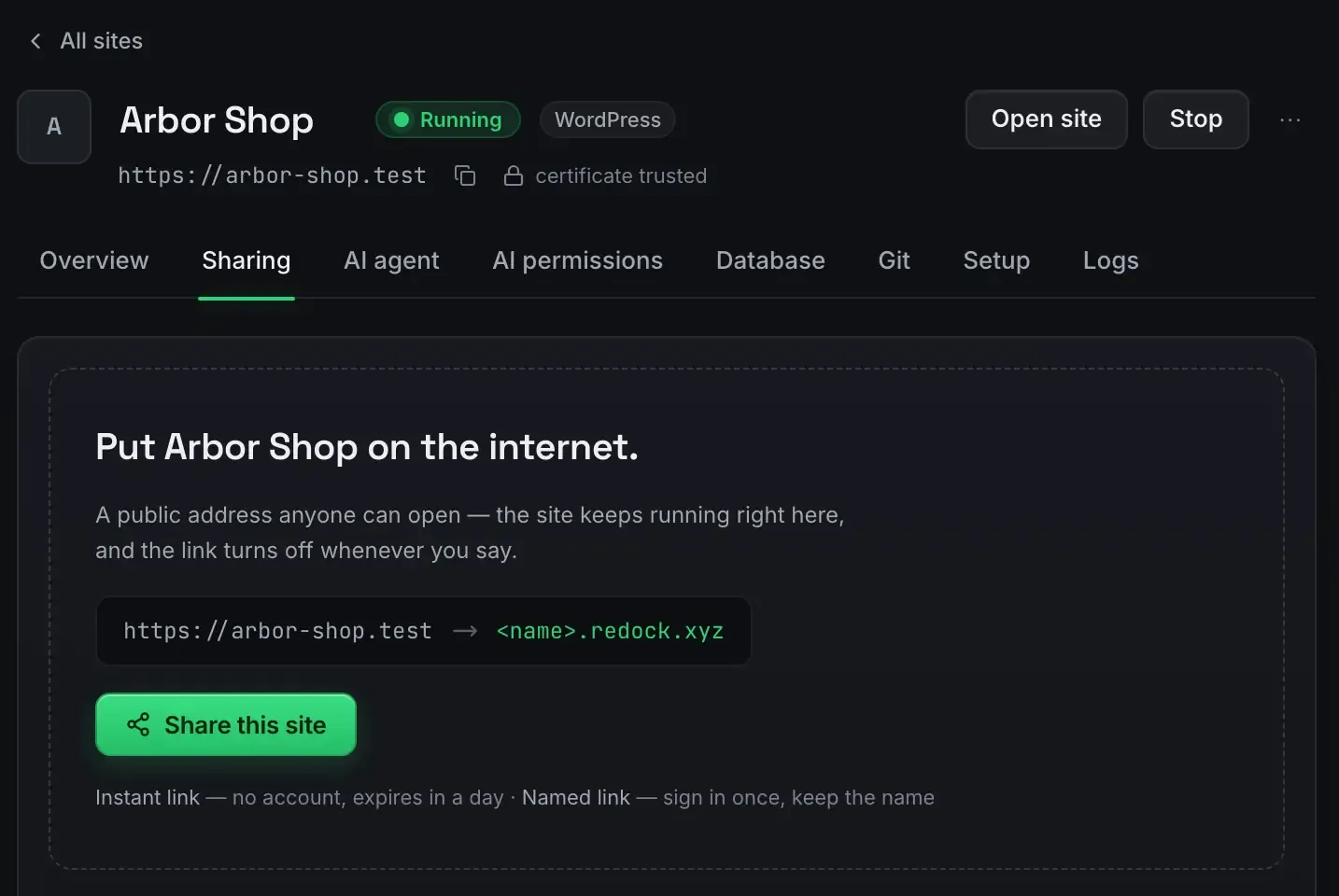
To test Shopify webhooks locally you need the one thing localhost cannot give you: a public HTTPS address Shopify’s servers can post to.
Webhooks are inbound requests. Shopify sends order, product and app events to a URL you registered, so a port on your own machine is unreachable and the events go nowhere. The usual fix is a separate tunnelling tool. You do not need one; the address comes with the site.
Why they break on localhost
Be precise about what is happening. When your app subscribes to a topic, Shopify stores a delivery address. When the event fires, Shopify’s infrastructure makes an HTTPS request to that address from the public internet.
Your app lives at a loopback port, which exists only on your machine. Shopify’s servers have no route to it. The request fails, and from your side it looks like the webhook is not firing, when really it is firing into a wall.
The address is the whole fix
- Run the app on the Node version it expects, pinned to the site. The dev environment checklist covers the rest of the setup.
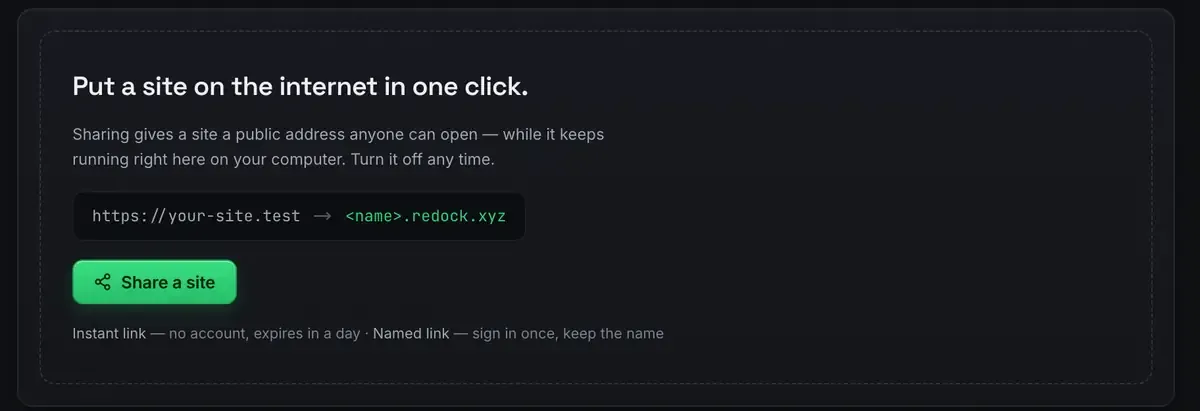
- Turn sharing on. The app gets a real HTTPS address over a Cloudflare tunnel, and nothing is opened on your network, because the connection is outbound from your machine.
- Register it as the app URL and the webhook endpoint in the Partner dashboard. Use a named link, because you are registering it and a quick link expires in a day.
- Trigger events and watch them arrive.
Because it is genuine HTTPS, signature verification and secure-context requirements behave exactly as they will in production.
Watching them land
This is what turns a slow test loop into a fast one.
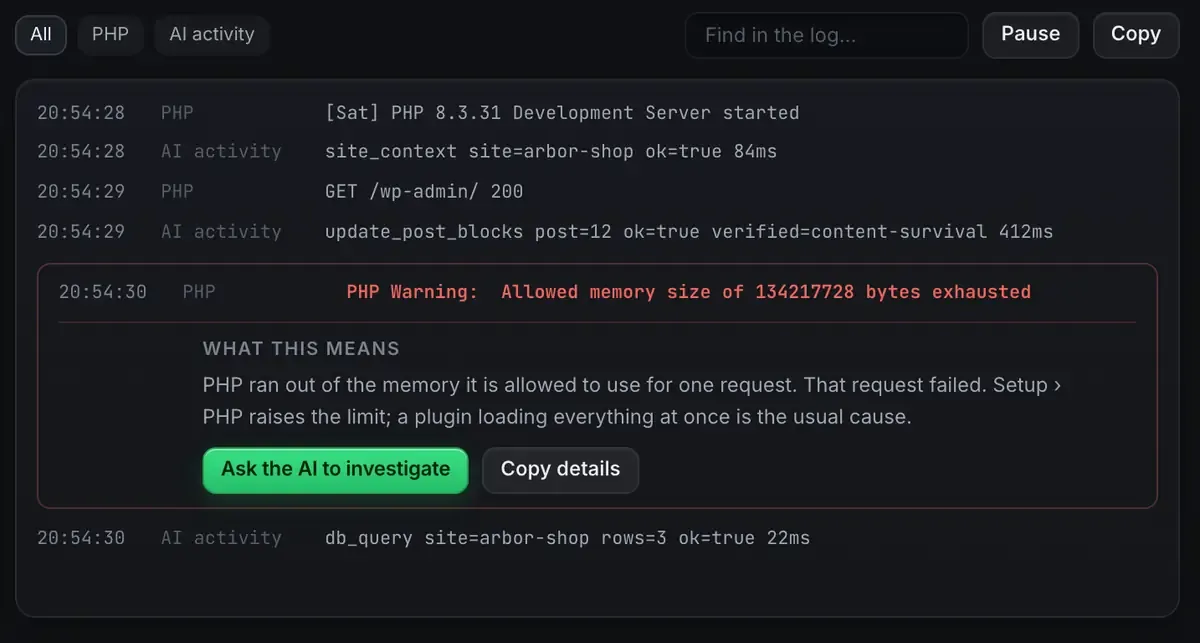
Deliveries and the app’s own output stream in as they happen, and an error that would normally be a wall of text gets a sentence about what it means and a button that hands it to the agent along with the file it came from.
When a webhook is not working the first question is always whether it arrived at all. The log answers that directly, which saves you from debugging a handler that was never called.
Testing the events, not just receiving them
Verify the signature. Shopify signs each webhook with your app secret. Your configuration needs that secret where the handler looks for it, and the tunnel forwards the request intact, so the signature verifies as it will in production. Shopify’s own app docs have the verification detail.
Exercise real topics. Trigger the events your app subscribes to from a development store and confirm each handler runs. Order, product and app-lifecycle topics all arrive at the same address.
Check the path through the database. A handler usually looks something up. MySQL, PostgreSQL and Redis all run as services here, so that half of the path works locally too.
Why folding the tunnel in is worth it
A separate tunnelling tool works, and folding the address into the environment removes a moving part. There is no second thing to install, authenticate and start alongside the app: the address comes up with the site.
The lifecycle is also sensible. Share while you are testing, and when you stop the address goes dark, so you are not leaving an open forwarder running overnight. Stop the site and the tunnel parks, then comes back when the site does.
The honest scope, as everywhere: this is an environment for building and testing a Shopify app, including receiving webhooks. It is not a store-management tool. Shopify MCP: what an agent can and cannot do covers that boundary, and the same address trick works for n8n webhooks or anything else you run.
FAQ
Can I really test webhooks without a separate tunnelling tool?
Yes. You need a public HTTPS address that forwards to your app, and sharing the site gives you one, so the posts reach your handlers.
Will signature verification work through the tunnel?
Yes. The tunnel serves real HTTPS and forwards the request intact, so the signature verifies as it would in production, provided the secret is where your handler looks for it.
Does the address stay up when I stop working?
No, and that is deliberate. Stop sharing and it stops resolving, so you do not leave an open endpoint running. Bring the site back up and the share resumes.
Does it work on Windows?
Yes. Sites, sharing and the MCP server are the same on macOS and Windows.
Want webhooks that reach your own machine without extra tools? Download ReDock for macOS or Windows.