How to deploy a website for free: no credit card, no server, no pipeline
Build the site on your own computer, then push the built output to a free edge tier in one click, with the commit hash and the real duration reported back.
You can put a website on the internet without a credit card and without renting a server. The pattern is the same whichever tools you pick: build the site on your own machine, then push the built output to a free edge platform.
ReDock does the whole loop in one click. It builds on its own runtimes, deploys to Cloudflare, and reports the hash it built from and how long it took. It is free, on macOS and Windows.
What free actually means here
Two things have to be free for this to be honest, so here are both.
The hosting. Cloudflare serves static assets on its free plan, with no card to start, and the request allowance is generous enough that a portfolio, a docs site or a side project is unlikely to reach it. Cloudflare publishes the exact numbers on their pricing page and they change, so check there rather than trusting a figure in a blog post.
The tooling. The ReDock desktop app is free on every plan, including the build and the deploy.
What you may still pay for is a domain name. Without one your site lives on a real, public, HTTPS address that simply is not branded.
Connect Cloudflare once
The usual Cloudflare deploy involves a CLI, account ids and a token you make by hand. ReDock sends you to a prefilled token template with exactly the scopes it needs and none it does not, you approve, and the token goes into your system’s credential store: the Keychain on macOS, Credential Manager on Windows.

It is your account, not ReDock’s. The credential sits on your computer and is reused by every tunnel and every deploy, and disconnecting only forgets it here.
The whole pipeline
- Create or import the site. WordPress, headless WordPress, Astro, Next.js, plain HTML: each runs locally at
https://name.testwith a certificate your machine already trusts. No terminal, no compose file. The first-site guide walks it. - Work on it. The site is on your computer, so there is no upload step between an edit and the page.
- Press Deploy. ReDock runs the real build on the same runtimes it uses to run the site, produces the output, and pushes it.
- Read the report. Every deploy comes back with the hash it built from and the duration. A failed build says so and shows the log, rather than a spinner that resolves to Done regardless.
No SSH keys, no CI config, no YAML. The deploy docs have the details.
Attaching a name you own
The last mile is the domain, and it happens in the same window.

One custom domain at a time, on every plan. Attaching a custom domain walks through the DNS side.
The whole stack, layer by layer
It is worth naming every layer, so you can see there is no hidden bill in any of them.
- The local environment. Free. Sites run at
https://name.testwith a trusted certificate, and every runtime lives in ReDock’s own folder rather than on your system. - The build. Free. ReDock ships its own runtimes and builds the output, so there is no separate CI service in the picture.
- The hosting. Free. Cloudflare’s static tier, no card to start.
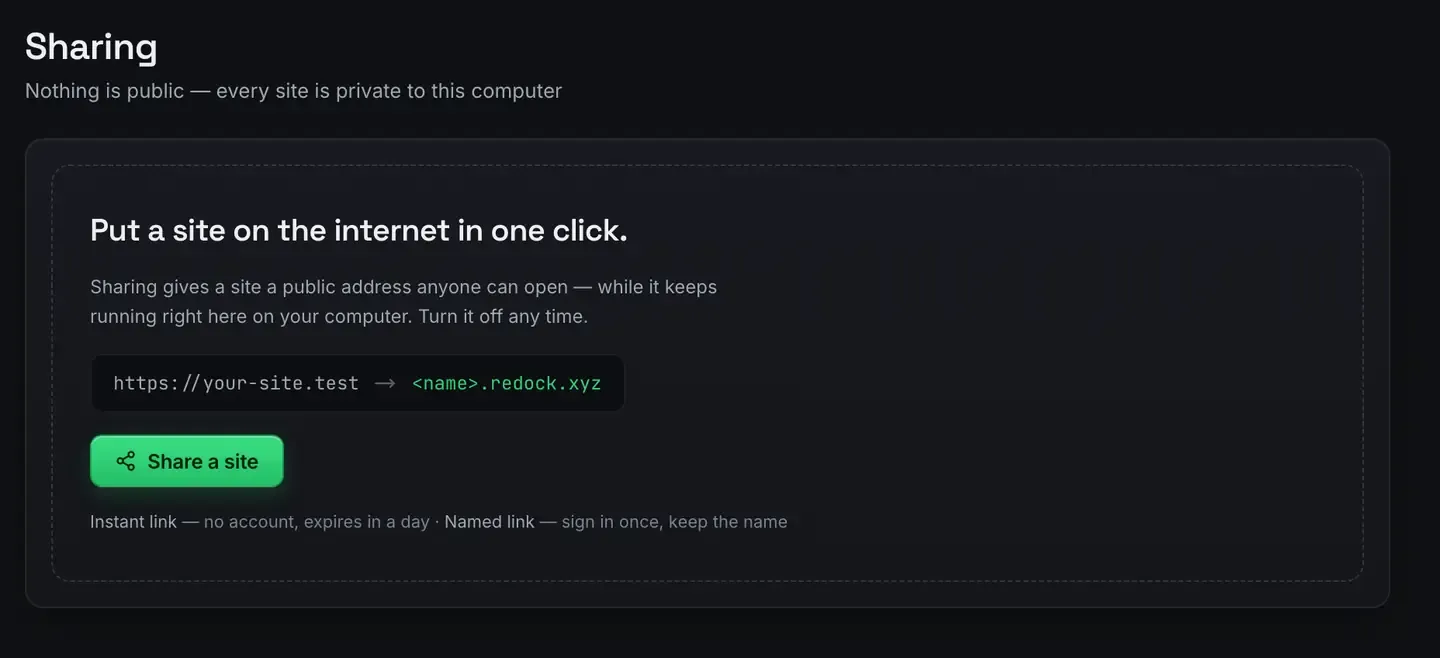
- Showing it to somebody first. Free. Unlimited unlisted links plus three named redock.xyz subdomains, over Cloudflare tunnels. Show a client a work in progress is that step.
The only optional cost in the whole stack is the domain name.
Where this approach stops
Static deploys cover more than people expect: marketing sites, blogs, docs, portfolios, landing pages, anything a static site generator emits. Be clear about what they do not cover.
Server code at request time. If a page needs a database query on every load, a free static tier will not run it. Headless WordPress is the way round it we like: WordPress stays on your own computer as the editing environment, and the deployed site is a built copy of it. Headless WordPress with Astro is that pattern.
Sharing work in progress. Deploying is for finished things. If you want somebody to look at the site as it is right now, that is a tunnel, not a deploy: show a client a work in progress.
Why local first beats a free hosted builder
Free website builders exist. The trade is control. Your content lives in their database, exports are lossy, and the free plan is a funnel. Building on your own computer and deploying the output keeps everything in files you own, and the deployed site is just a folder. Switch tools whenever you like.
It is also faster to work this way, because a local site reloads instantly. Easy hosting for side projects makes the longer case.
FAQ
Do I need a credit card for Cloudflare’s free tier?
No. Getting started with static assets on the free plan does not need one, and ReDock connects to your account from inside the app.
Can I deploy WordPress for free this way?
Not as a live PHP site, because WordPress needs PHP and MySQL at request time. The free path is headless: run WordPress on your own computer, build a static front end, deploy that.
Is ReDock itself free?
Yes, on every plan, including the deploy. It runs on macOS 12 Monterey or later on Apple silicon, and 64-bit Windows 10 or later. The paid plans buy room in ReDock Web, which looks after live WordPress sites and is a different job.
What if the build fails?
You see the real log. The deploy reports what actually happened, including the hash it was building from, rather than reporting success it did not verify.
Ready to ship something without a bill attached? Download ReDock for macOS or Windows.