Deploy to Cloudflare's free tier: the honest guide, and the one-click version
What Cloudflare's free tier actually covers for a static site, and how to connect an account, build and deploy from one window with the hash and duration reported back.
You can deploy a static website to Cloudflare’s free tier with no card and no server. This guide is honest about what that tier covers and where it stops.
The short version: static assets serve from Cloudflare’s edge on the free plan, and for a portfolio, a blog, a docs site or a side project you are unlikely to reach the ceiling. ReDock does the build and the deploy in one click and reports the hash it built from and the real duration.
What the free tier actually covers
Careful here, because the tier is real but bounded, and inventing numbers would be dishonest.
Cloudflare serves static assets on its free plan and getting started needs no card. There is a monthly request allowance, generous enough that an ordinary static site stays comfortably inside it. Cloudflare publishes the figures on their pricing page and they change, so check there rather than trusting a number in a blog post. The durable truth: if your site is built output served to normal traffic, the free lane fits.
What sits outside it is dynamic, per-request server logic at scale, heavy compute on every request, and large persistent storage. A built static site touches none of that.
Connect the account once
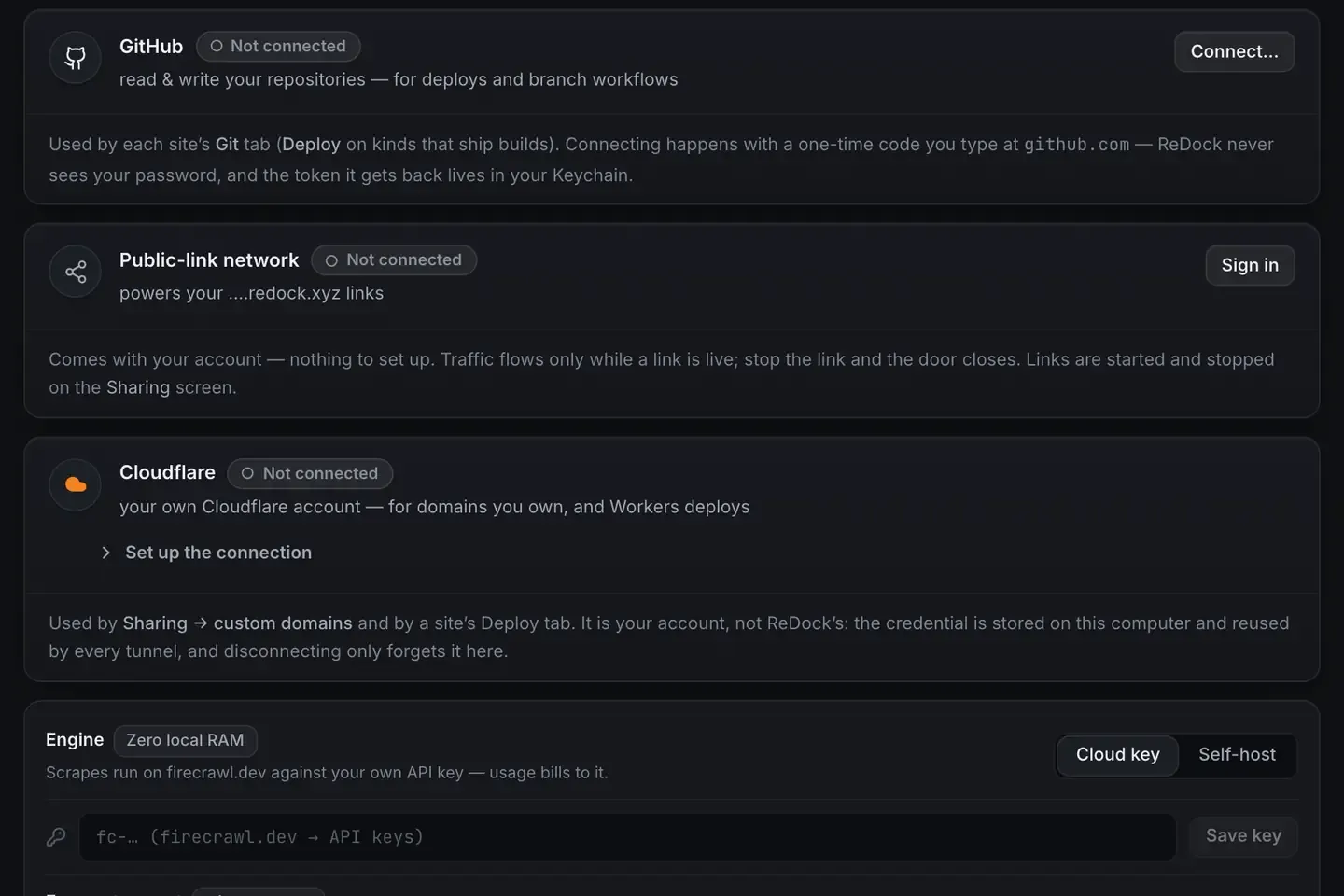
The usual Cloudflare deploy involves a CLI, an account id and a token you assemble by hand. ReDock sends you to a prefilled token template carrying exactly the scopes it needs and none it does not. You approve it, paste once, and the token goes into your system’s credential store: the Keychain on macOS, Credential Manager on Windows.

It is your account, not ReDock’s. The same credential is reused by every tunnel and every deploy, and disconnecting only forgets it here. The deploy docs have the token setup.
The build is a real build
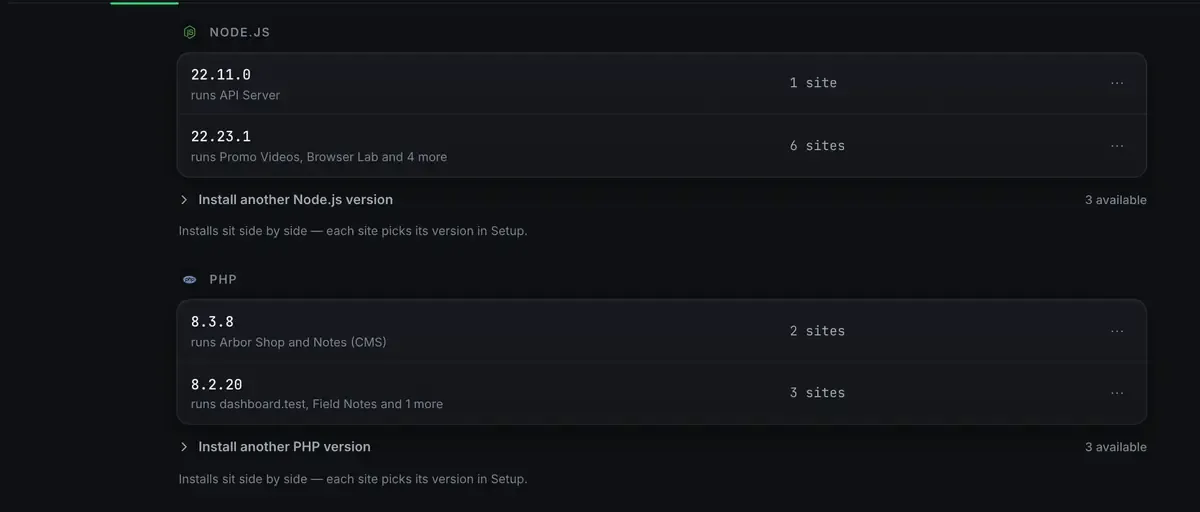
There is no separate CI service in this pipeline. ReDock builds on the same runtimes it uses to run the site locally, which is why what you deploy behaves like what you were looking at.
Then the output goes to Cloudflare, and the deploy comes back with the hash it built from and how long it took. A failed build says so and shows the real log rather than resolving to a tick regardless.
No YAML, no SSH keys, no pipeline to maintain. The stacks docs list what can be built.
The domain, in the same window
The last mile is the name, and it does not need a dashboard either.

One custom domain at a time, on every plan, attached from inside the app. Attaching a custom domain walks the DNS side.
What to deploy this way, and what not to
Static deploys cover more than people assume: marketing sites, blogs, docs, portfolios, landing pages, anything a static site generator emits, from Astro or Next.js on down.
Live database queries per request do not fit. WordPress needs PHP and MySQL at request time, so it is not a static deploy. The way round it: run WordPress on your own computer as the editor, build a static front end, deploy that. Deploy a website for free covers the headless pattern.
Always-on dynamic apps are past the static tier by definition.
And if what you want is to show somebody work in progress rather than publish it, that is a tunnel: free staging environments has both shapes.
Keeping free honest
Two things must be free for this to add up. The hosting: Cloudflare’s static free tier, no card to start. The tooling: the ReDock desktop app is free on every plan, including the build and the deploy.
The one thing you may pay for is a domain name, from a registrar, at any price they set. Without one your site lives on a real address that is public and HTTPS and simply not branded.
FAQ
What are the exact free-tier limits?
Cloudflare publishes them and they change, so check their current pricing page. In durable terms: static assets serve on the free plan with a monthly request allowance an ordinary static site rarely approaches.
Do I need a credit card?
No. Getting started with static assets on the free plan does not need one, and ReDock connects to your own account from inside the app.
Can I deploy a Next.js or Astro site this way?
Yes. The build runs on ReDock’s own runtimes and the output goes to Cloudflare. WordPress needs the headless pattern instead.
Whose Cloudflare account is used?
Yours. The token is made from a template with the scopes the app needs, it lives in your system credential store, and it is the same account that serves your redock.xyz links.
Ready to ship to the edge without a bill? Download ReDock for macOS or Windows.