Attach a domain you own to a Cloudflare deploy, from the app rather than a dashboard
Put your own domain in front of a free Cloudflare deploy without hand-editing DNS. One custom domain at a time, attached from inside the app, on every plan.
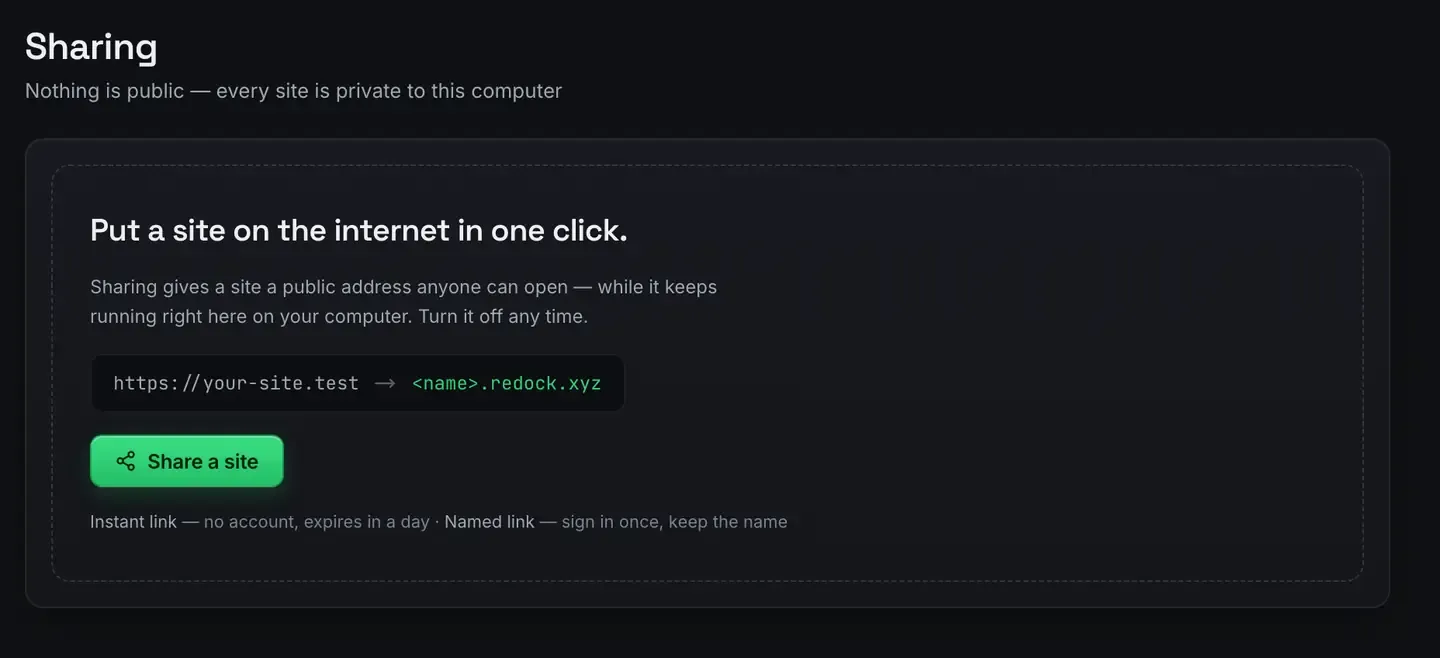
You can put a domain you own in front of a free Cloudflare deploy without wading through a DNS dashboard. ReDock attaches it from inside the app, against your own Cloudflare account, and one custom domain at a time is included on every plan.
The site still serves from Cloudflare’s free static tier. The domain only changes the address.
Why the dashboard route is a pain
Attaching a domain to an edge deploy normally means logging into a registrar, finding DNS settings, adding or editing records, getting the target exactly right, then waiting and hoping propagation went the way you expected. One typo in a record and you are debugging why the site resolves to nothing.
ReDock moves that into the window.

It runs through your own Cloudflare account, which is the part worth saying twice. The connection is yours.

The token is made from a prefilled template carrying exactly the scopes the app needs. It lives in your system credential store, the Keychain on macOS and Credential Manager on Windows, and disconnecting only forgets it here.
The flow
Assuming you have deployed already, and deploy a website for free covers that if not:
- Deploy the site. You get a real, public HTTPS address immediately. The deploy docs cover the loop.
- Attach the domain. Point ReDock at the domain and it configures the attachment through your connected account.
- Serve from the branded address. Visitors reach the site at your own name over HTTPS, still on the free static tier.
The build does not change. It runs on ReDock’s own runtimes and reports the hash it built from and the duration, domain or no domain.
A domain also works on a running site
The same card points a domain at a site running on your own computer, over a tunnel, rather than at a deployed copy.
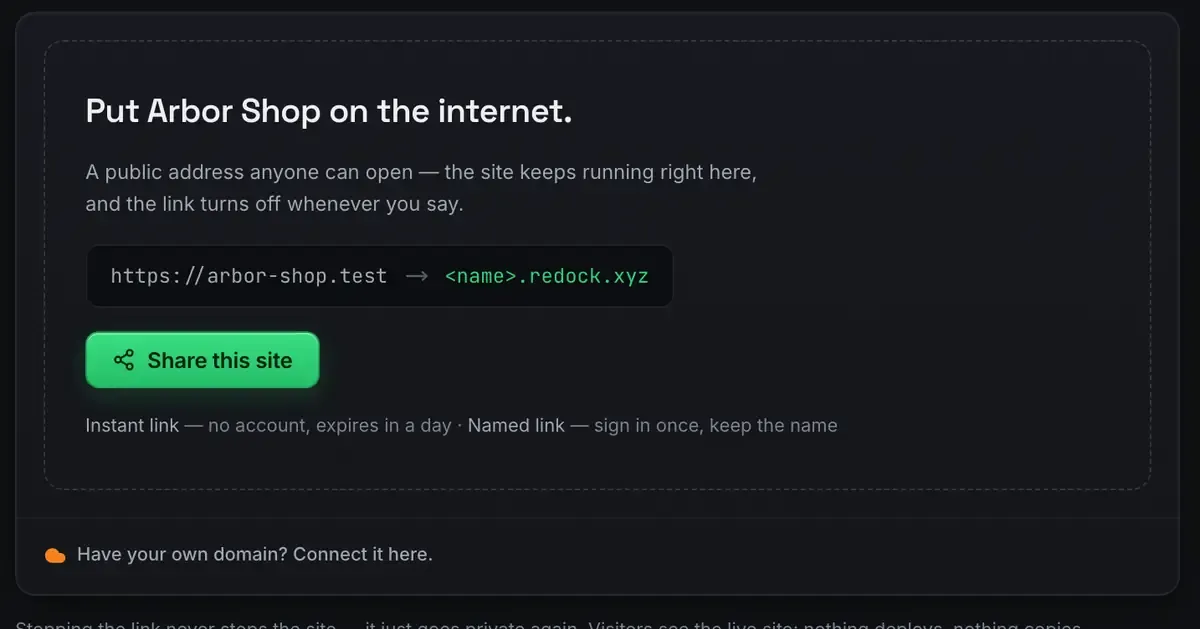
That is the shape for a demo that has to look finished, or a webhook endpoint that needs a stable name. It is still your machine serving it, so the site is up when the machine is.
The boundary, precisely
One custom domain at a time, on every plan. Detach and reattach to move it between sites; one live attachment is included.
The domain itself is not free. You buy the name from a registrar. ReDock attaching it costs nothing; owning it does not. Without one, the site lives on a real public HTTPS address that is simply not branded.
Hosting stays on the free tier. Attaching a domain does not push you onto a paid Cloudflare plan; static assets serve on the free plan whatever the address. The honest Cloudflare guide covers where that tier ends, and Cloudflare’s own pricing page has the current numbers.
When you do not need one yet
A custom domain is for finished, public sites you want branded. Plenty of work does not need one.
Showing work in progress is a tunnel, not a deploy: show a client a work in progress covers quick links, which need no DNS at all. And if you just want it live and free, the address a deploy gives you is already public and HTTPS. Add the name when the project is ready to wear it.
FAQ
How many custom domains can I attach?
One at a time, on every plan. Detach and reattach to move it between sites.
Does attaching a domain cost me the free hosting tier?
No. The site keeps serving static assets on Cloudflare’s free plan. The domain changes the address, not the plan. You do pay a registrar for the name.
Do I have to edit DNS records myself?
No. The attachment is made from inside the app against your connected Cloudflare account, so you are not hand-editing records in another tab.
Whose Cloudflare account does it use?
Yours. ReDock never holds it: the token sits in your own system credential store, and the same account serves your redock.xyz links.
Ready to give a deploy its own name? Download ReDock for macOS or Windows.