Free staging environments: stop paying for preview hosting
Staging is just letting somebody see the site before it ships. Run it locally behind a real HTTPS link, or deploy the built output to a free edge tier.
You do not need to pay for a preview host to have a staging environment. Staging does one job: let somebody see the site as it will be before it is live. You can get that two free ways, and they suit different moments.
ReDock does both. It is free and runs on macOS and Windows.
What staging is actually for
Strip away the marketing and staging is a place for you, a client or a teammate to look at the site in a realistic state before it ships. That is it. It does not inherently need rented infrastructure, a preview plan or per-seat pricing.
Paid preview hosting bundles that job with convenience and always-on uptime. Useful sometimes. Overkill often, especially for one person or a small team who need a link to look at during a review.
Path one: the running site, behind a real link
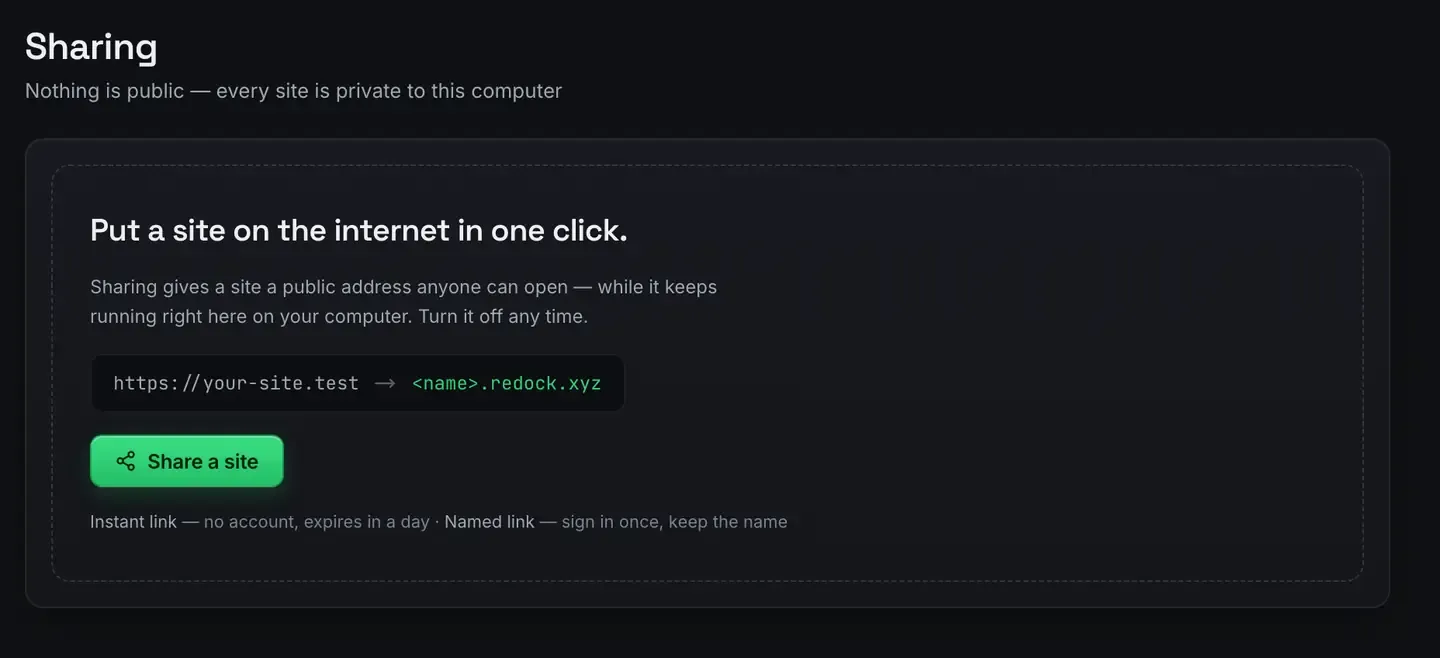
Run the site on your own computer and give it a public HTTPS address over a tunnel. One click.
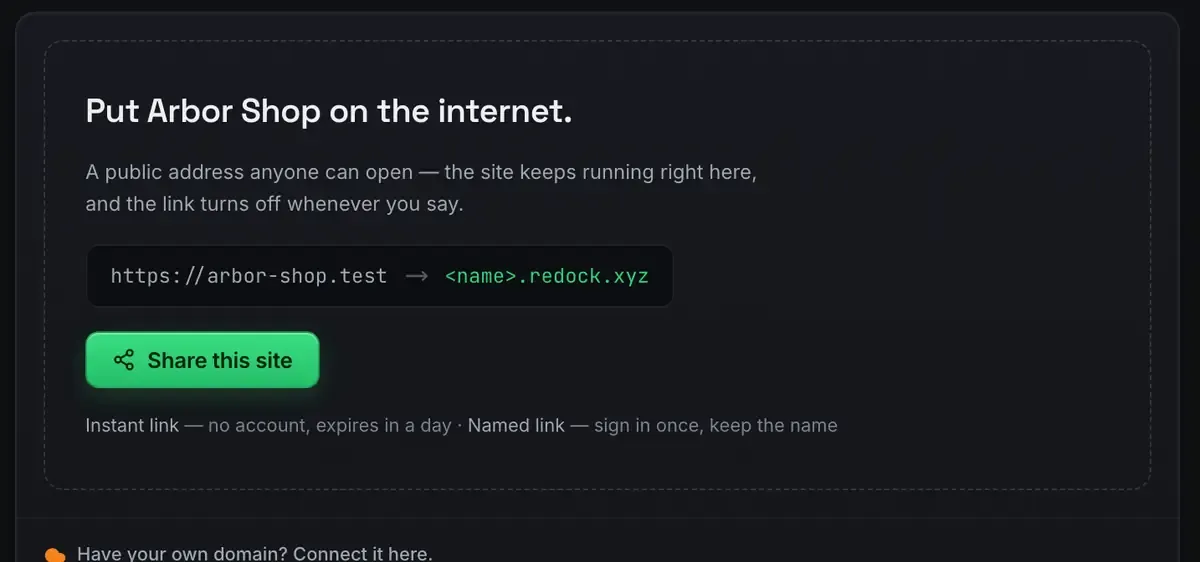
Quick links are unlisted, need no account and expire in a day. Named links keep their name for as long as you use them, and there are three of those on every plan. Change something, refresh, and the reviewer is looking at the real thing.
Use this for work that is still moving. It depends on your computer being awake, which is fine for a review call. Show a client a work in progress covers it in full and a real URL for a local site covers the two link types.
Path two: the built output, on a free tier
When the staging site needs to stay up without you, build it and deploy the output to Cloudflare. Always on, HTTPS, and nothing to pay for ordinary traffic. Deploy a website for free and the honest Cloudflare guide have the specifics, including where the free tier actually ends.
Use this for a link the team checks over several days.
Path three, which people forget: a second copy on another branch
There is a third shape that is neither of those. A universe is a linked copy of a site on another git branch: same content, different code, its own address.

Open both at once and compare live rather than remembering what the old one looked like. Merge from the Git tab when the redesign wins, delete the universe when it does not, and the original never moved. Share the universe’s address and a client is reviewing the redesign while the current site keeps working.
Making staging resemble production
Staging is only useful if it looks like the real thing.
Real HTTPS, not a warning page. Local sites run at https://name.test with a certificate your machine trusts, and tunnels serve proper HTTPS, so logins, cookies and secure-context browser features behave the way they will in production.
The real build. The staging output is built on the same runtimes the site runs on, so a deployed preview is produced the way the live one will be. The stacks docs list them.
A link that does not rotate. If a client checks the same project every week, use a named redock.xyz subdomain rather than a fresh quick link. The sharing docs cover both.
One thing this is not
ReDock Web, the dashboard for live WordPress sites, has no staging service. It looks after sites that are already live: health, plugin updates with a snapshot taken first, jobs across many sites, a monthly report per client. Staging is what the desktop app does, on your own computer. Keeping those two straight saves an awkward conversation later.
The cost, honestly
Both free paths lean on genuinely free pieces. The desktop app is free on every plan. The always-on path uses Cloudflare’s free tier, which needs no card to start and is generous for ordinary staging traffic; their pricing page has the current numbers and we are not going to invent them here. The live-share path is unlimited quick links plus three named subdomains.
What you might still pay for is a domain, and only if you want staging on a branded address. Usually you do not.
FAQ
Is a local site a real staging environment?
For review, yes. Behind a real HTTPS tunnel a reviewer sees the actual site behaving as it will. For always-on team review, deploy a build to a free tier instead.
Do I need a preview-hosting subscription?
No. Run the site locally and share it, or deploy the built output. Both cover “let somebody see it before launch” without a monthly bill.
How do I keep a staging link stable for a client?
Use one of the three named redock.xyz subdomains rather than a quick link. A named link keeps working across sessions; stop the site and the tunnel parks, start it and the address comes back.
Does ReDock Web give me staging for a live client site?
No. It looks after sites that are already live. There is no staging service there, and this page is not going to pretend otherwise.
Done paying for preview hosting? Download ReDock for macOS or Windows and stage the next one for free.