Free social media scheduler: build your own with n8n in an afternoon
A scheduler is a queue, a clock and a node per destination. Build one on your own computer with n8n, let an agent fill the queue, and keep the posting deterministic.
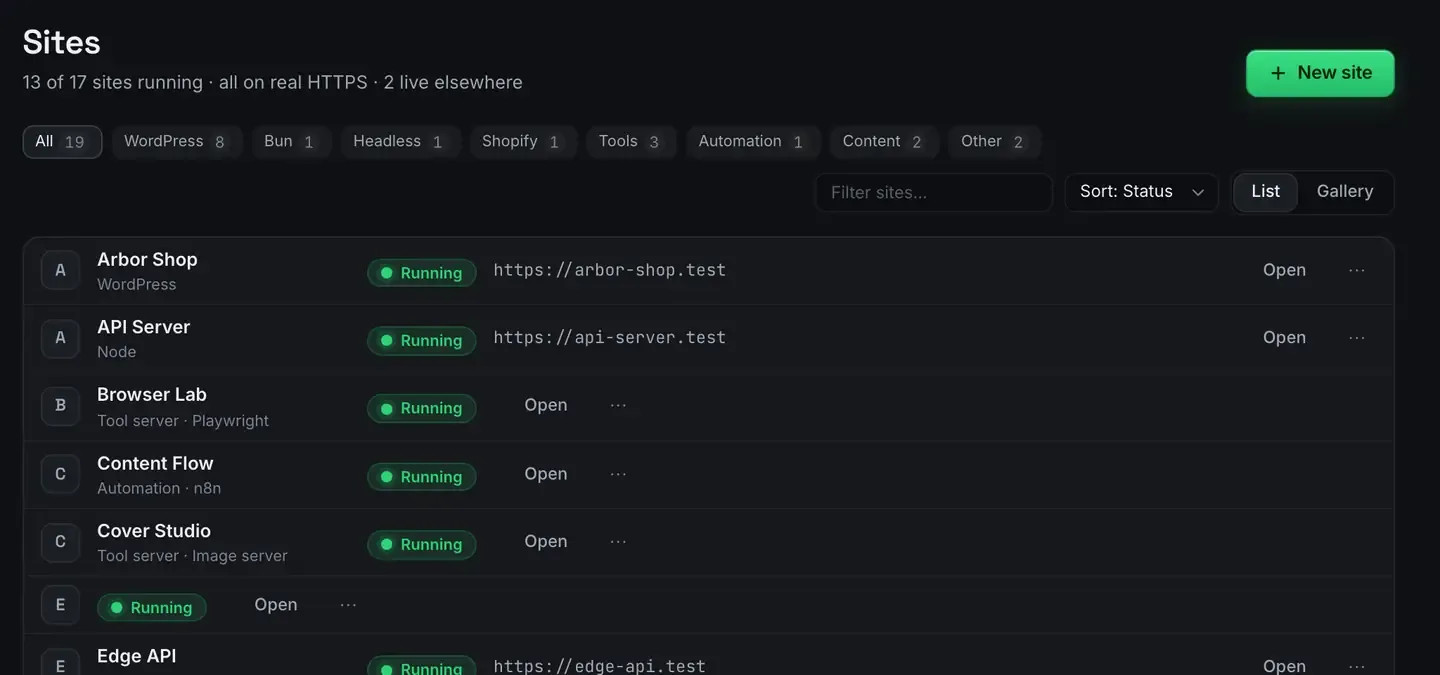
You can build a free, self-hosted social media scheduler in an afternoon with n8n running on your own computer. Instead of paying a monthly fee to queue posts, you own the workflow: a queue of drafts feeds a scheduled flow that posts to each platform’s API.
ReDock ships n8n as a one-click stack with real HTTPS and webhook-ready links, so there is no Docker and no terminal between you and a running scheduler. It is free, on macOS and Windows.
The anatomy of a scheduler
Every scheduler, paid or homemade, is the same three pieces.
A queue. Somewhere the upcoming content lives: a sheet, a table, a Notion database, a WordPress custom post type, or n8n’s own store. Each row carries text, an optional media link, a destination and a publish time.
A clock. n8n’s schedule trigger fires on a cron expression. Every fifteen minutes is a sensible default: the flow wakes, checks the queue for anything due, and goes back to sleep.
A node per destination. n8n has nodes for several platforms and a generic HTTP node for anything else with an API. A switch on the platform field routes each due item to the right branch, a final step marks the row as posted so it does not go out twice, and an error branch tells you when a platform refused something.
That is the whole machine. The reason people pay for this is setup, not capability.
The afternoon build
Create an n8n site. It warm-starts, gets a trusted https://something.test address, and runs on a Node version pinned to that site inside ReDock’s own folder rather than on your system.
Then:
- A schedule trigger every fifteen minutes.
- A node that reads the queue and filters for items due and not yet posted.
- A switch on the destination, with one branch per platform.
- A step that writes the status back, and a branch that tells you about failures.
The OAuth step is where a real certificate earns its keep. Most platforms refuse a plain HTTP callback outright, and a .test address with a trusted certificate is accepted the way a production one is. The stacks reference covers how it is provisioned and the install guide covers the app.
Some platforms confirm a post with a callback rather than a synchronous answer. That is a webhook, and it needs a public address.
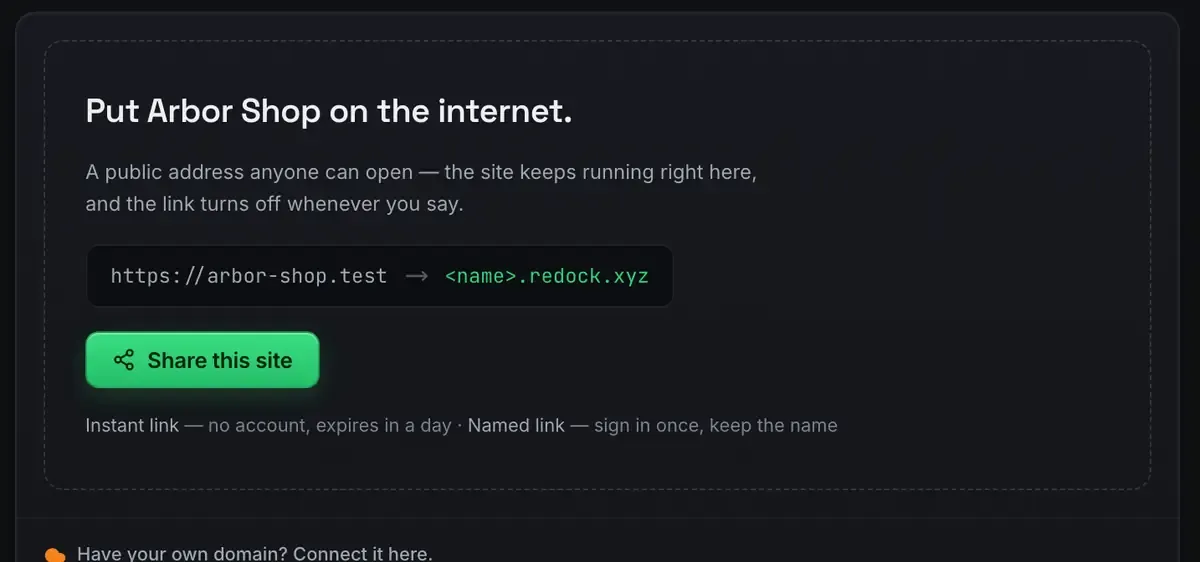
Use a named link for anything you register, so it does not change between sessions. Webhooks on localhost has the detail.
Let an agent fill the queue, not press send
The execution half is a solved problem: a clock and a loop. The half that still eats an evening is planning. Deciding what goes out on Tuesday, rewording the same announcement three ways for three destinations, picking times, filling the queue row by row.
That is language work, and it is what an agent is good at. Give it this week’s blog post, a changelog and a rough list of things worth saying, and ask for a queue: seven days, variants that suit each destination, times spread out, written into the same table the workflow reads.
The output is not posted. It is queued, which gives you a review step for free.
Worth stating plainly as a design rule: the agent plans, n8n posts. Do not wire a model directly to your accounts.
- Determinism where it matters. The posting flow is deliberately dumb: read a row, post it, mark it. It behaves the same at six in the morning as it did in your test.
- A human gate by default. Queued but not posted is the natural checkpoint. You approve a table, not each send.
- Cheap failure. If the agent drafts something off-tone, you delete a row. Nothing shipped.
That is the same draft-then-gate shape that works for WordPress publishing, with a review status instead of a queue table.
The plumbing an agent already gets for free
If you connect a scraping engine for research, n8n sites pick it up without you wiring anything.
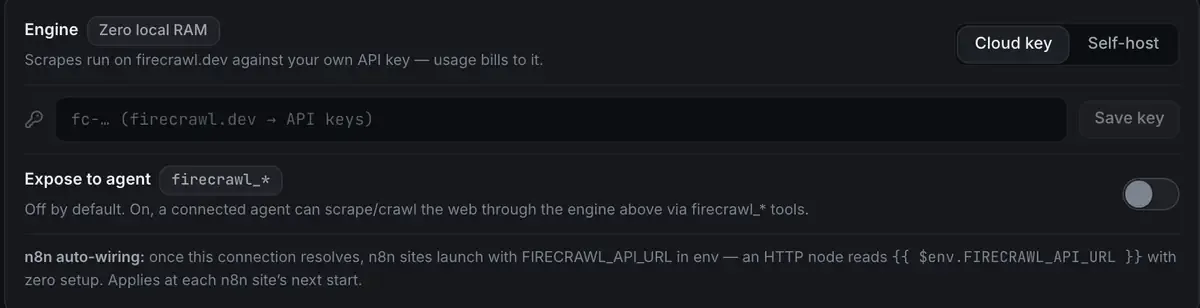
Once the connection resolves, every n8n site launches with the address in its environment and an HTTP node reads it with no setup, at that site’s next start.
The agent side connects over MCP on 127.0.0.1:47200, and works with a cloud key or a model from the local catalogue, so the drafting can happen without any external call. n8n and Claude over MCP is the full pattern.
Where this beats a paid scheduler
Cost. Nothing, at any volume. Paid tools meter by post, profile or seat.
Ownership. The workflow is a JSON export you can version, copy and change. No feature sits behind a higher tier.
Extensibility. Your scheduler can do things no product offers: pull the day’s post from your WordPress drafts, run text through a local model first, or make an image variant per destination. It is a workflow, not a product, so you keep adding nodes.
Where the tokens live. In your own instance, on your own machine, rather than on a scheduler’s servers.
The honest constraints
Your machine must be awake. A cron trigger cannot fire on a sleeping laptop. A common fix is a catch-up filter, anything due in the last twelve hours and still queued, so late items post on wake instead of silently dropping. If you genuinely need three in the morning, export the workflow and run it on a server. Same n8n, same flow.
Platform rules are yours to respect. Each network has its own OAuth dance, its rate limits and its content policies.
FAQ
Is this really free?
The software is. n8n’s fair-code licence permits self-hosting with no execution limits, and the ReDock desktop app is free on every plan. The only real costs are whatever a platform charges for API access.
Which platforms can I post to?
Any with an API. n8n has dedicated nodes for several and a generic HTTP node for the rest. You supply the token per platform and the workflow handles the timing.
Does the AI post directly to my accounts?
Not in this design. The agent writes to a queue and a deterministic workflow does the posting. You review the queue in between, so nothing goes live without a chance to look.
What happens if my machine is asleep at post time?
The trigger does not fire until it wakes. Add a catch-up filter so late items still go out, or move the finished workflow to a server.
Owning your scheduler means no per-post fee and no tokens on somebody else’s server. Download ReDock for macOS or Windows and build it this afternoon.