Automate WordPress publishing with n8n: draft, review, live
Wire a draft to review to published pipeline with n8n and a WordPress site, both running on your own computer, talking over the REST API on trusted HTTPS.
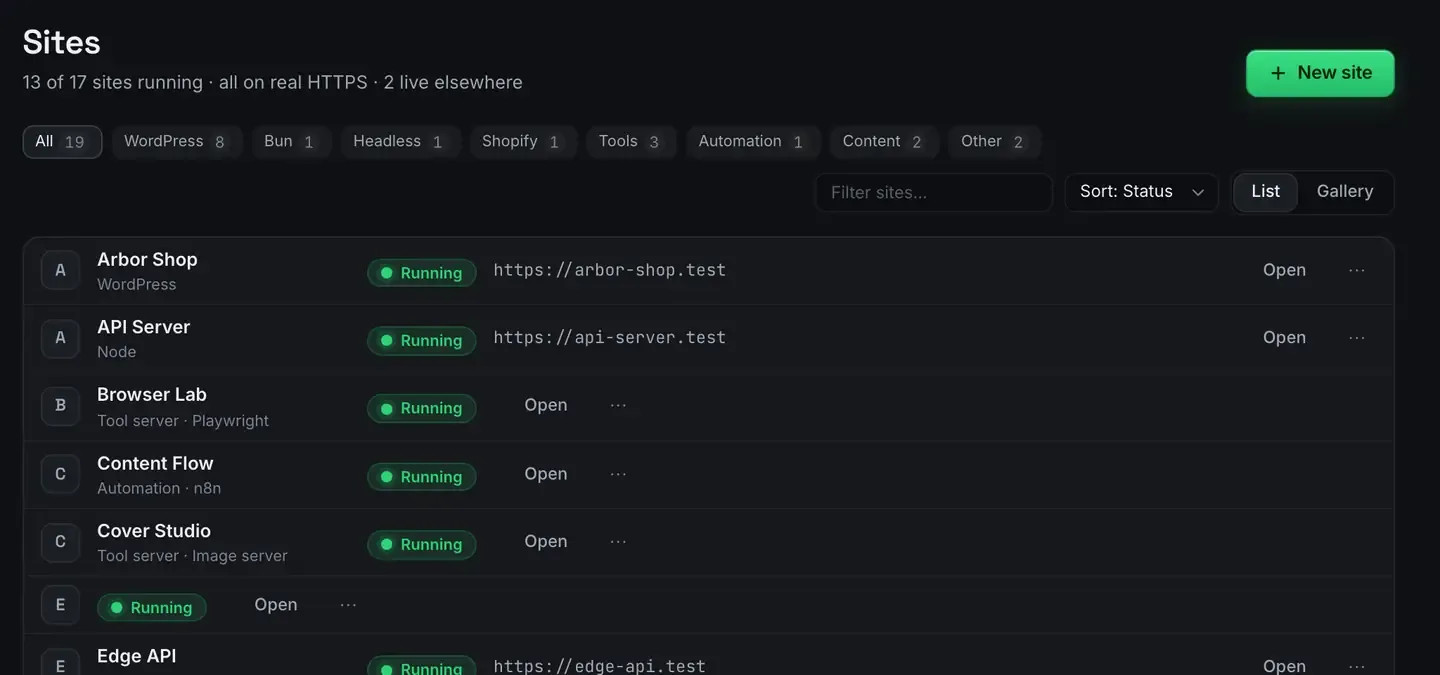
You can wire a full WordPress publishing pipeline, draft created, sent for review, then published, using n8n and a WordPress site running side by side on your own computer.
ReDock hosts both as one-click stacks with trusted HTTPS addresses, so they talk to each other over the WordPress REST API with no cloud services and no terminal.
The pipeline in plain terms
Editorial publishing is a state machine. Content starts as a draft, somebody reviews it, and on approval it goes live. n8n models that cleanly: a trigger creates or picks up a draft, a step routes it for review, and on approval a node flips the post to published.
Doing this against a local WordPress install used to mean standing up a stack and a separate container and getting them to trust each other’s certificates. Here both are sites in the same window.
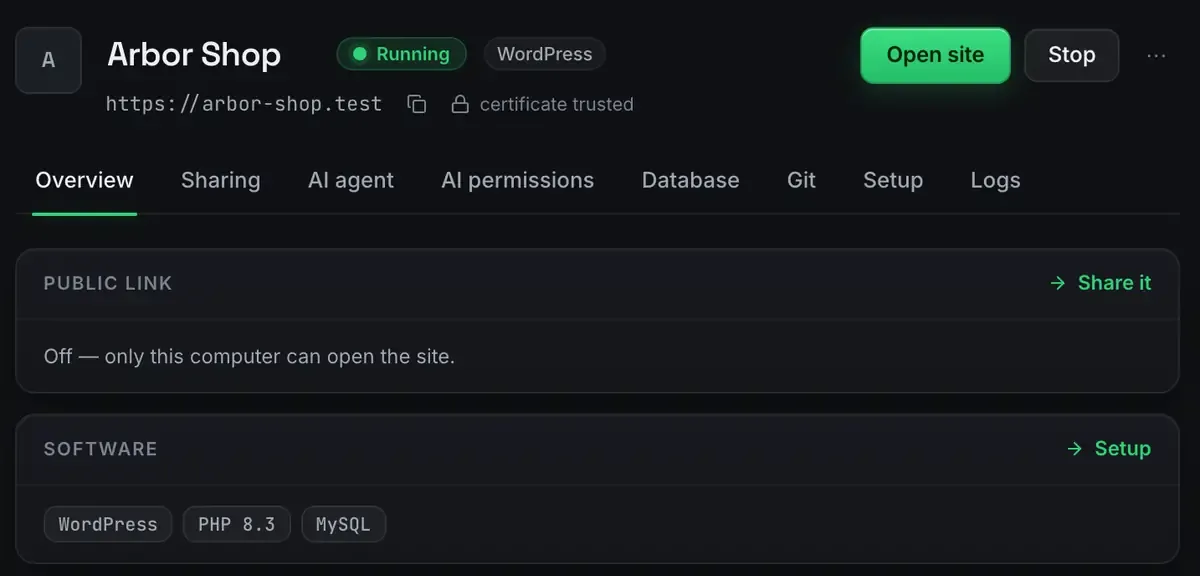
Both halves get a real certificate, so the REST calls between them work without exceptions or flags. Local WordPress with real HTTPS covers that side.
Building the three stages
Draft. A trigger, a schedule pulling from a content queue, a webhook from somewhere else, or a manual run, creates a post through the REST API with the status set to draft. You get an id back.
Review. n8n sends a notification carrying the draft’s preview link to whoever approves. A message, an email, a row in a tracking sheet. The flow pauses here, either waiting on a callback or checking a status field on the next run.
Live. On approval, a node updates the same post with the status set to publish. Then n8n can fan out: ping a scheduler, purge a cache, tell the author.
The review step usually needs an inbound callback, because the approver clicks a link that has to reach n8n. That means a public address, which is a tunnel.
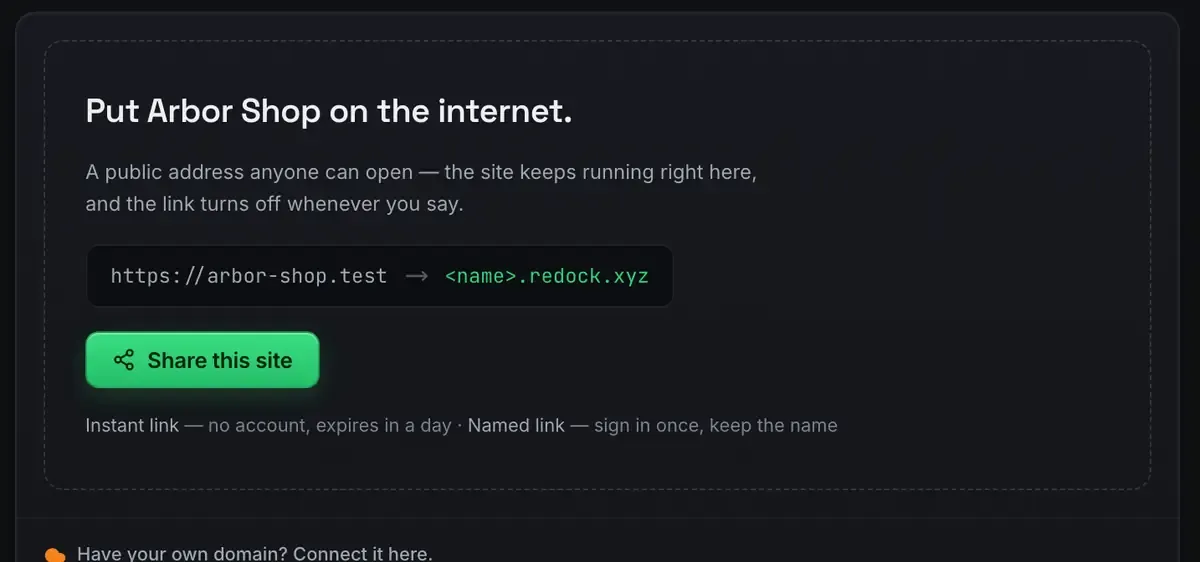
Use a named link rather than a quick one, so the approve link you emailed last Tuesday still works. Webhooks on localhost has the mechanics.
Authentication done properly
The REST API needs credentials, and WordPress application passwords are the clean path: create one in the user’s profile, store it in an n8n credential, and every call authenticates without your main password going anywhere. Because the site runs over real HTTPS, those credentials are encrypted even in local development, which is not true of a plain HTTP port.
If you would rather have an agent operate the site directly than hand-wire REST calls, the whole app is published as MCP tools: creating posts, changing status, reading the rendered output back. That is a different route to the same outcome, and WordPress MCP covers it.
Why keep it local
A local pipeline lets you build and test the whole flow, including the review round trip, before anything touches a production site. The same workflow runs against your live WordPress by swapping the base address and the credential. Nothing about the flow changes; only the target does.
And because both halves are self-hosted, there is no per-execution bill for the automation. That is the same argument as n8n in one click.
One honest limit: a scheduled stage fires only while your machine is awake and the site is running. For building, and for a personal site, that is fine. For a newsroom running around the clock, move the finished workflow to a server; it exports as JSON.
The other half of the job
A pipeline publishes. It does not look after the site afterwards. If the WordPress in question is a client’s live site rather than yours, the thing you actually want next is a plugin update that takes a snapshot first, health checked several times a day, and a record of who changed what. That is ReDock Web, and one connected site is free: create an account.
FAQ
Does this work with my existing theme and plugins?
Yes. The pipeline talks to the standard REST API, which is theme and plugin agnostic. Your local site can mirror production so you test against the real thing.
How does the approval reach n8n?
Usually a callback: the approver clicks a link that posts to a webhook node. A named redock.xyz subdomain gives that node a stable public address.
Can I move this to production later?
Yes. Change the base address and the credential and the same workflow runs. n8n workflows export as JSON, so moving the automation to an always-on server is a copy.
Is there an alternative to hand-wiring REST calls?
Yes. The MCP tools drive WordPress directly, so an agent can create the post, change its status and read the rendered page back without you building a node chain for it.
A pipeline you built and understand beats a plugin you cannot see inside. Download ReDock for macOS or Windows.