Webhooks on localhost: how an n8n flow receives real events behind a tunnel
A webhook needs a public address and localhost has none. A Cloudflare tunnel gives your local n8n instance one, with real HTTPS and no router changes.
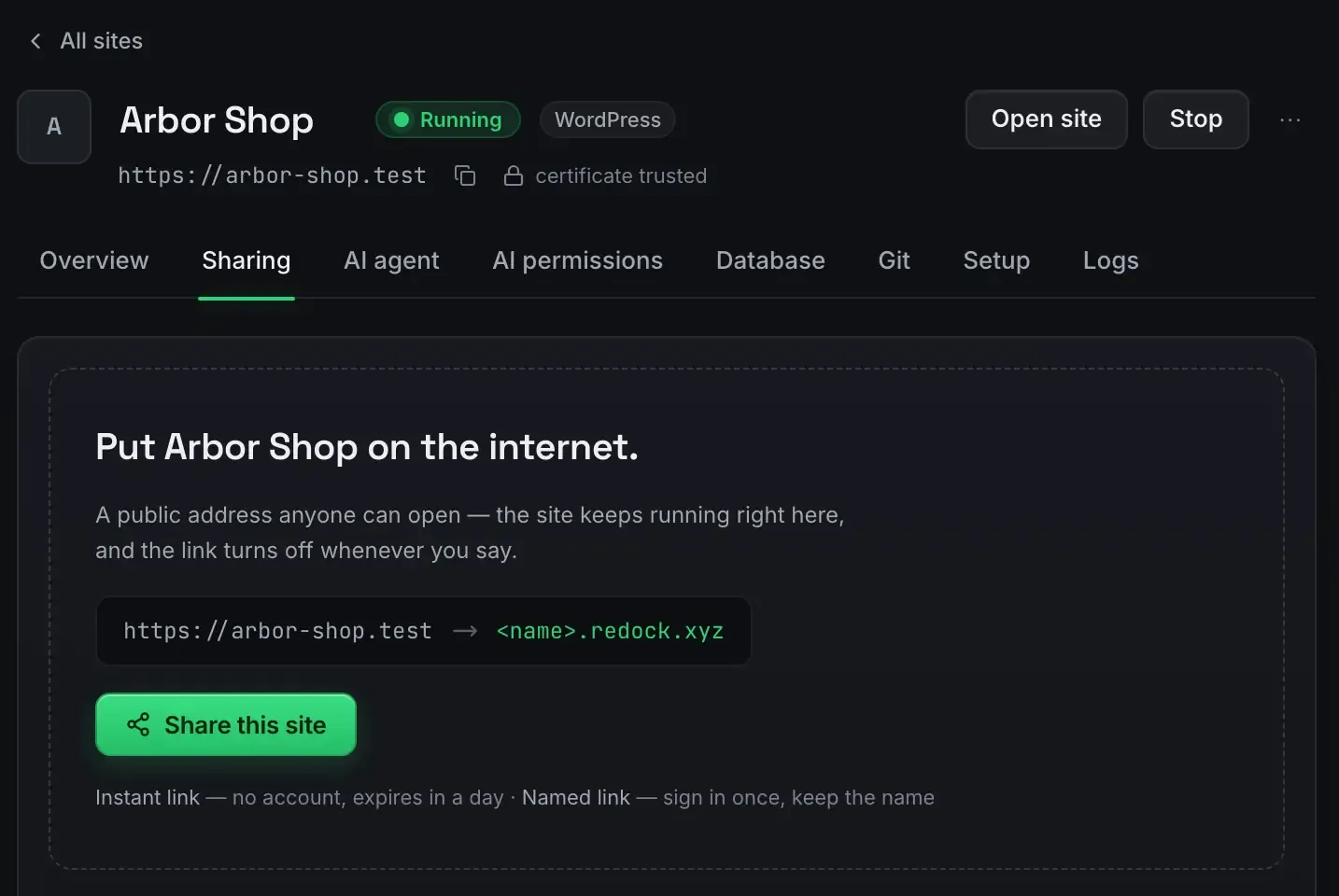
A webhook needs a public address to deliver to, and localhost has none. That is the whole problem with testing webhook-driven n8n flows on your own machine.
ReDock closes it by opening a Cloudflare tunnel that gives your local instance a real address. A payment provider, a repository host, a form tool or anything else that posts events can then reach a workflow running in front of you, over real HTTPS, with no port forwarding.
Why localhost cannot receive one
When a service sends a webhook it makes a request from its servers to a URL you gave it. That URL has to resolve on the public internet and accept an inbound connection. Your machine sits behind a router: outbound requests work, and nothing on the internet can dial back in. A webhook pointed at a port on localhost simply never arrives.
The usual workarounds are a paid tunnelling service, hand-editing router port forwarding, which is fragile and a bad habit, or deploying n8n to a server purely to test. All of them slow the loop between wiring the webhook and seeing it fire.
How the tunnel closes it
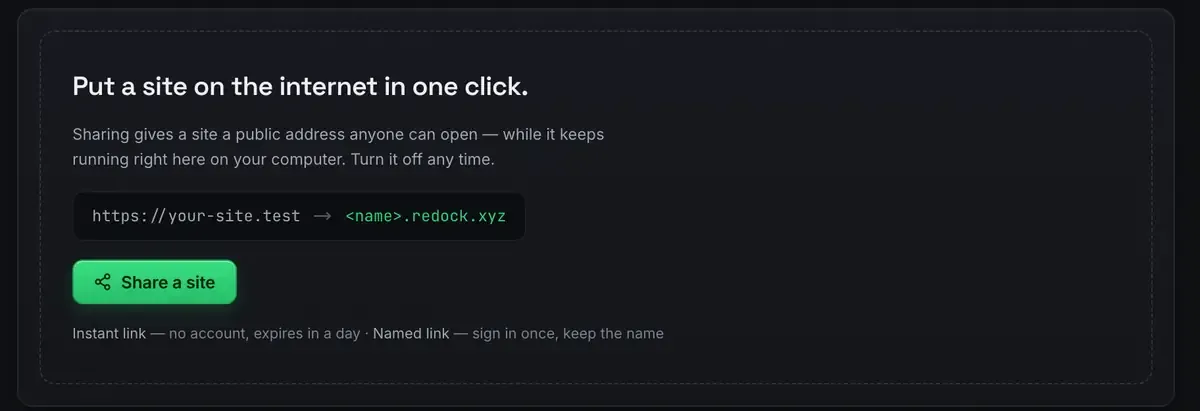
Turn sharing on for the site and you get an address that forwards to your instance.
A stable address. Either an unlisted quick link, or a named redock.xyz subdomain. For a webhook you register somewhere, use the named one so it does not change between sessions.
Real HTTPS end to end. The tunnel terminates TLS, so services that insist on HTTPS are satisfied, and your instance sees a clean request.
No router changes. Nothing is opened on your network. The tunnel is an outbound connection from your machine to Cloudflare’s edge, and events ride back down it.
The network behind it comes with your account and needs no setup of its own.

Wiring one, step by step
The pattern is the same for any provider.
- Add a Webhook trigger node in n8n. It gives you a path.
- Build the public address. Your named link plus that path.
- Register it. Paste it into the sending service’s webhook settings.
- Send a test event. Most services have a button for it. Watch it land in n8n’s execution log.
- Build the rest downstream. Parse the payload, act on it, respond.
Because the execution log is right there, debugging a payload whose shape is not what you expected is immediate. No redeploy, no waiting.
Development reachability, not production uptime
Be clear about what this is. A tunnel to your machine is right for development, personal automation and demos. The machine has to be awake and the site running for events to arrive, which is a fine trade while you are building.
For an endpoint that must be up around the clock, move the workflow to an always-on server eventually. It is the same n8n, so the export is JSON and the flow runs unchanged.
One more honest note: an address like this is unlisted rather than authenticated. Anyone holding it can post to it. If the flow does anything consequential, put a shared secret or a signature check on the trigger, the way the sending service’s own documentation recommends.
FAQ
Do I need to configure my router or firewall?
No. The tunnel is an outbound connection from your machine. Nothing is opened on your network and you do not touch port forwarding.
Is the address stable enough to register with a service?
A named redock.xyz subdomain stays the same, which is what you want when registering a webhook. Quick links are better for a one-off test, because they expire in a day.
What if an event arrives while my machine is asleep?
It is not received. The tunnel needs the machine awake and the site running. For development that is expected; for production, move the workflow to a server.
Does this only work for n8n?
No. Any site ReDock runs can be shared the same way, so the same trick gives a Shopify app or a Node service a public callback address. Webhooks against a local Shopify app is that case.
Real events against a local instance turn a slow test loop into an instant one. Download ReDock for macOS or Windows.