n8n in one click, on your own computer: the free automation studio you already own
Run n8n self-hosted on macOS or Windows with one click: warm-started, on a trusted HTTPS address, and reachable by real webhooks. No Docker, no terminal.
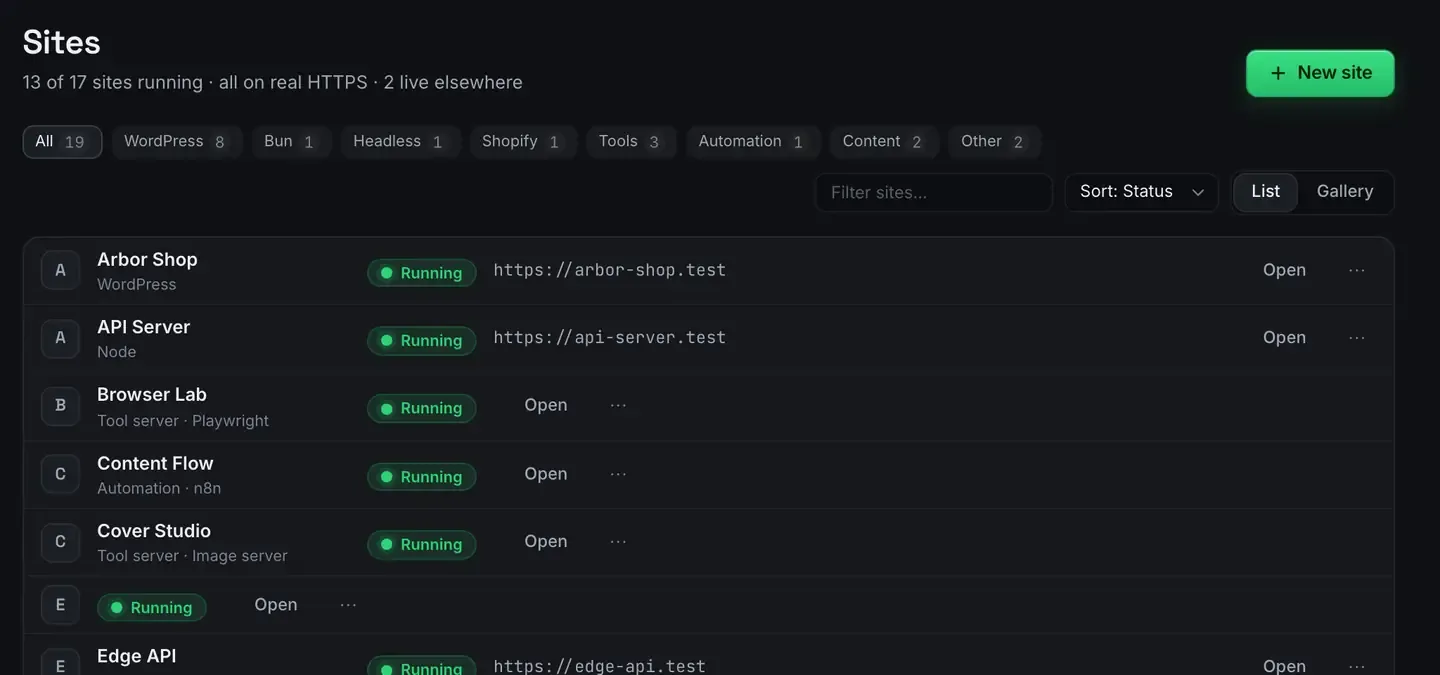
You can run n8n, the automation studio behind thousands of self-hosted workflow setups, on your own computer, for free, with one click. ReDock ships it as a built-in stack: it warm-starts, gets a trusted HTTPS address, and can receive live webhooks from the internet over a Cloudflare tunnel.
No Docker, no terminal, no subscription. It works the same on macOS 12 Monterey or later and 64-bit Windows 10 or later.
What n8n is, and why self-hosting matters
n8n is a visual automation tool. You connect nodes, an RSS trigger, an HTTP request, a WordPress action, a chat message, and it runs the flow on a schedule or in response to an event. It covers most of what people pay a hosted automation service for, with two differences: the fair-code licence lets you self-host without a fee, and your data never leaves your machine unless a node sends it somewhere.
Self-hosting is where people usually stall. The standard path is a compose file, environment variables, a reverse proxy for HTTPS, and a tunnel if you want webhooks to reach you. That is an afternoon before you have built a single workflow.
One click here
n8n is one stack among several, so it appears in the same list as everything else you run.
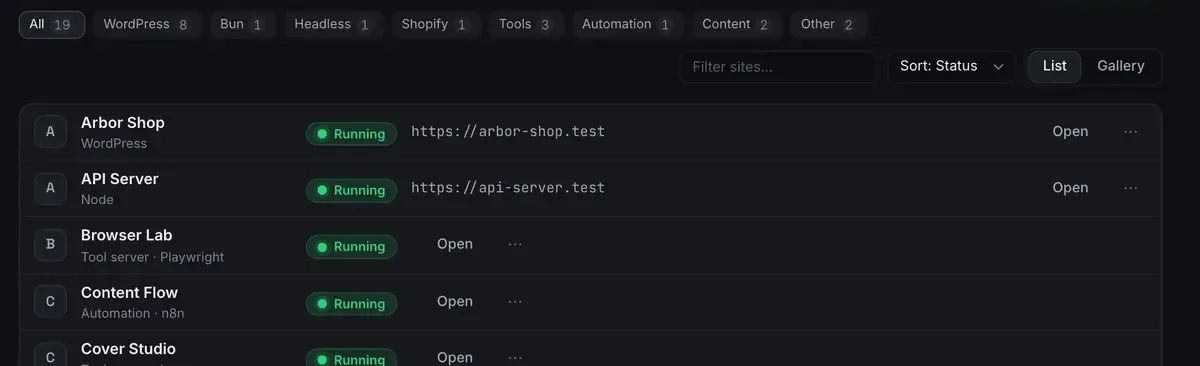
Create an n8n site and ReDock handles the rest.
- Warm-started. The runtime is cached, so n8n comes up fast rather than installing packages on every launch.
- Real HTTPS from the first minute. The instance lives at
https://something.testwith a certificate your machine trusts, so OAuth callbacks and secure cookies behave. - Nothing on your system. The Node version it runs on lives in ReDock’s own folder, pinned to that site.
- Honest state. The window shows what is actually running: processes, ports, memory. Not a spinner hoping for the best.
The install guide and the stacks reference have the rest.
Making it reachable
The one thing a laptop cannot do on its own is receive an inbound request. Turn sharing on and a Cloudflare tunnel gives the instance a public address.
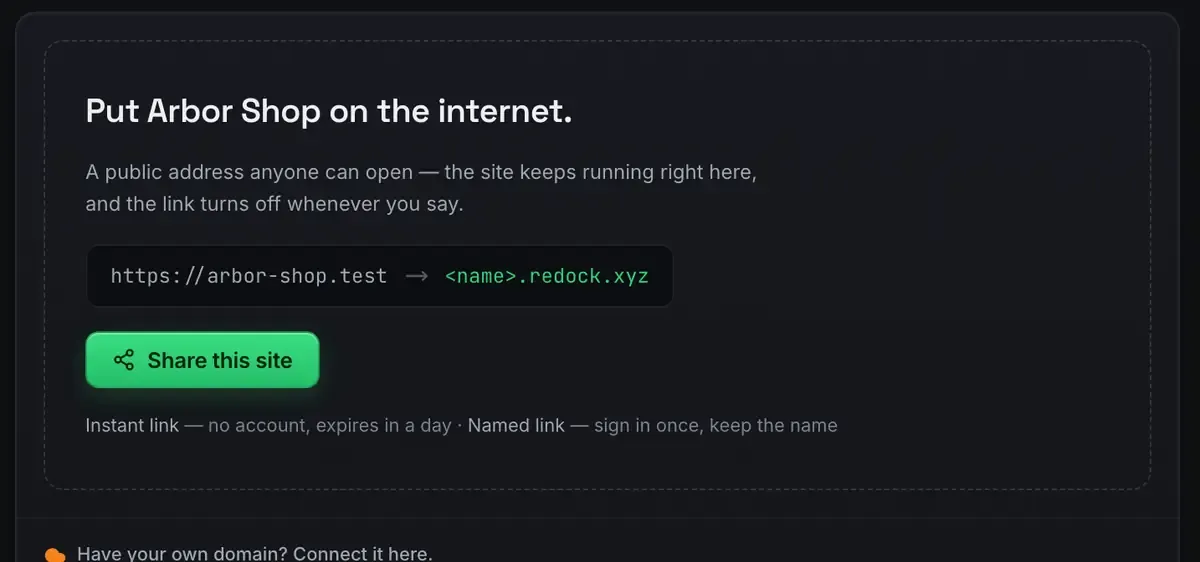
Paste that address into a payment provider’s webhook settings, a repository’s hooks, or a form tool’s integration panel, and events land in a workflow running in front of you. Use a named link rather than a quick one when you are registering it somewhere, so it does not change between sessions. Webhooks on localhost has the detail.
What to build with it
The point of owning your automation studio is that nothing meters you.
Content scheduling. A queue, a clock, and a node per destination, which is build your own social media scheduler.
WordPress publishing. Draft, review, live, walked through in automate WordPress publishing.
Notifications and glue. A new form submission becomes a message becomes a row in a sheet. The boring work that eats a week.
And because the whole app is published as MCP tools on 127.0.0.1:47200, an agent can help you build the flows: n8n and Claude over MCP.
Local first is a feature, with one honest limit
A hosted automation tool charges per task or per active workflow. A self-hosted instance runs as many executions as your machine can handle, at no marginal cost, and the credentials stay in your own instance.
The limit is reachability over time. Your machine has to be awake for a scheduled flow to fire. For personal automation that runs while you work, that is fine. For something that has to run at three in the morning, move the workflow to a server eventually. It is the same n8n, so the export is a JSON file and the flow runs unchanged.
FAQ
Is n8n really free to self-host?
Yes. Its fair-code licence permits self-hosting for your own use with no execution limits. ReDock removes the setup work and is free on every plan. The n8n hosting docs cover the licence and the options.
Do I need Docker or the command line?
No. You create the instance from the window, and the runtime, the HTTPS address and the tunnel are handled. Nothing installs onto your system.
Can external services actually reach my instance?
Yes, over a Cloudflare tunnel, while your machine is awake and the site is running. The sharing docs cover how it fits together.
Does it work on Windows?
Yes. Sites, the agent, sharing and the MCP server are the same on macOS and Windows. The Studio, for docs, video and images, is macOS only for now.
n8n is the automation studio you already own. Download ReDock for macOS or Windows and have the first workflow running today.