A free website with a real URL in ten minutes: quick links explained
Give a site running on your own computer a public HTTPS address without deploying anything. Unlimited unlisted links, plus three named ones that keep their name.
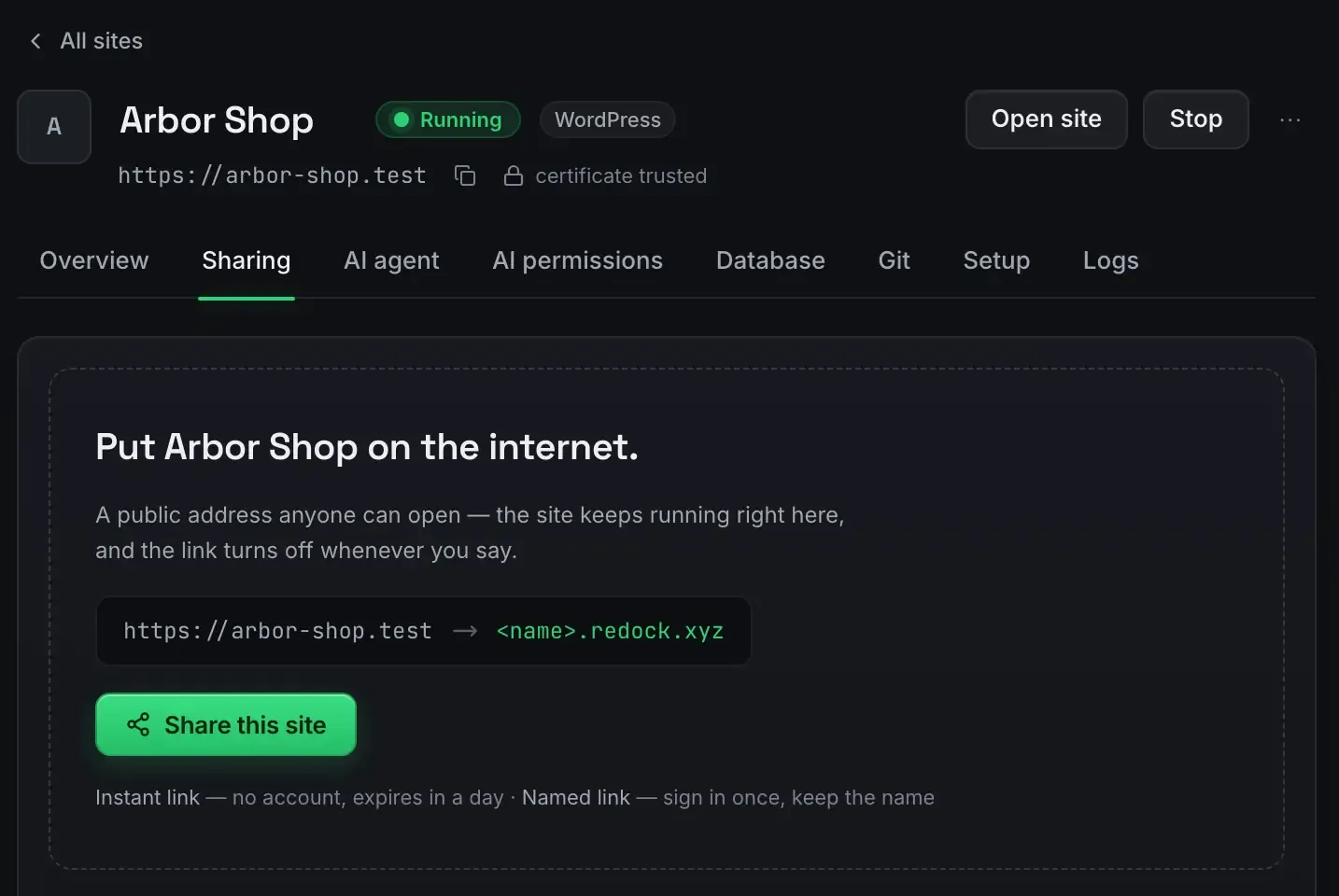
You can put a real, public HTTPS address in front of a website in about ten minutes without deploying anything or renting a server. The trick is a tunnel: the site runs on your own computer, and a secure outbound connection makes it reachable at an address anyone can open.
ReDock does this with one button, on macOS and Windows, and it is free.
What a quick link gives you
It turns a site running on your machine into a public link. The address is an unlisted subdomain of redock.xyz, it is HTTPS, and it works from any device: a client’s laptop, your phone, a colleague on the other side of the country. No deploy, no build, no upload. You are showing the exact site running in front of you, live.
Because the addresses are random and unlisted they are not discoverable. You send it to whoever needs it and nobody else stumbles onto it. Make as many as you like.
The ten-minute path
- Install ReDock. macOS 12 Monterey or later on Apple silicon, or 64-bit Windows 10 or later. Neither build is signed yet, so the first open takes one extra click. The install guide covers it.
- Create or import a site. Each runs at
https://name.testwith a certificate your machine already trusts. No terminal. The first-site guide walks it. - Press Share.
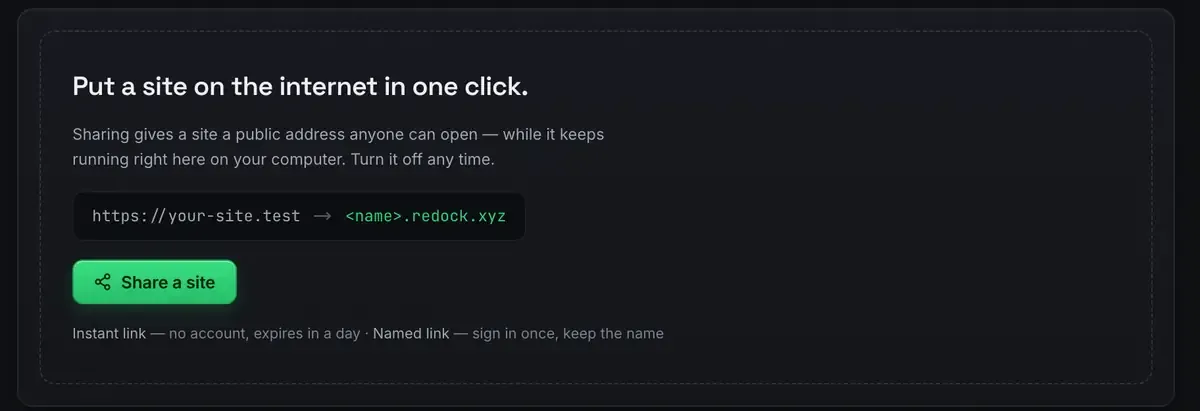
- Send the link. The person on the other end sees your site as it is right now.
Most of the ten minutes is the install and creating the site. The share itself is a click.
How the tunnel behaves, exactly
Tunnels have a lifecycle, and knowing it is what stops the surprises.
Stop sharing and the address goes dark. The link stops resolving. Your site keeps running; it is just no longer public.
Stop the site and the tunnel parks, then comes back with it. You do not lose the setup when you pause work.
A named link keeps its name. Beyond the unlisted ones there are three named redock.xyz subdomains you choose, on every plan. Those stay stable across sessions, unlike free tunnel tools that hand you a new address on every restart, so the link you sent yesterday still works today.
The network behind all of it comes with your account and needs no setup.

A link is not a password
One honest caution. Unlisted is not the same as authenticated. Anybody holding the link can open it, so treat the link itself as the key, and stop sharing when the review is over.
Sharing versus deploying
They are different jobs. A link shows live, in-progress work: your computer is the server, changes appear instantly, and the address dies when you are done. It is right for review, feedback and demos, which show a client a work in progress covers.
Deploying is for finished, always-on sites. When your machine should not have to stay awake, build the output and push it: deploy a website for free has that path, and free staging environments sits in between.
FAQ
Is the address really public and HTTPS?
Yes. It is a publicly reachable redock.xyz subdomain served over HTTPS through a Cloudflare tunnel. Anyone with the link can open it from any device.
How is this different from a free tunnel tool?
Most hand you a new address on every restart. Here you get unlimited unlisted links plus three named subdomains that keep their name across sessions, so a link you already sent keeps working.
What happens when I close my laptop?
The tunnel parks. Bring the site back up and the share resumes. If you stop sharing deliberately, the address goes dark while the site keeps running locally.
Does the site stay private until I share it?
Yes. Nothing is public by default. Every site is private to your computer until you press the button, and stopping the link puts it back.
Want a real address in front of your work today? Download ReDock for macOS or Windows.