A one-person content pipeline: the agent drafts, n8n schedules, Remotion renders
Three engines running side by side on one machine, wired so publishing is a system rather than willpower. You still approve everything before it goes live.
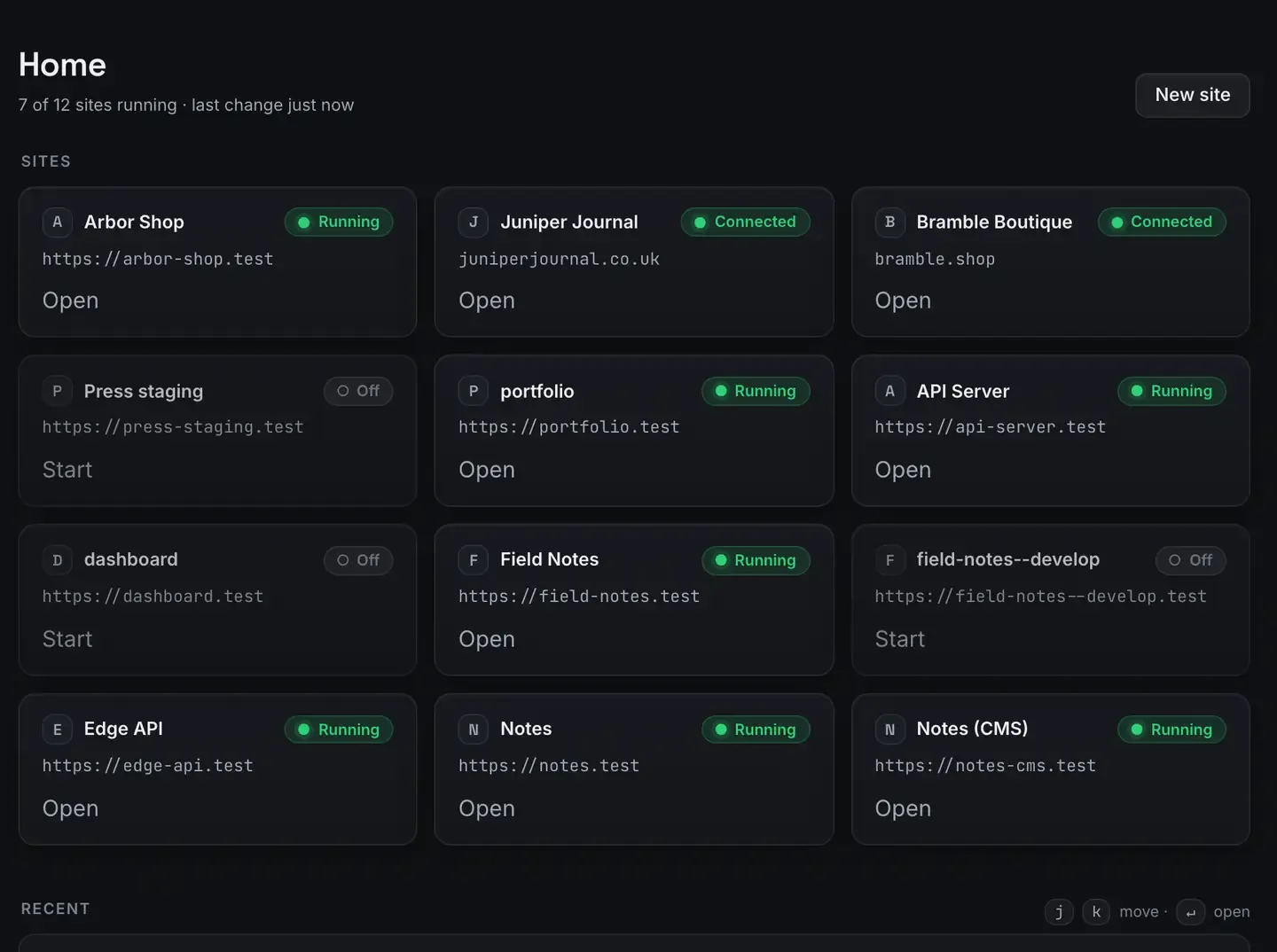
A one-person content operation can run a real pipeline, draft, schedule, render, publish, without a stack of subscriptions. The trick is putting the pieces in one place: an agent that drafts, n8n that schedules, and Remotion that renders, all running on the machine you already have.
This is a workflow guide about shipping on a regular cadence. There are no numbers in it, because the honest version does not have any. Just a repeatable system.
What a pipeline means for one person
For a solo creator a pipeline is less about scale and more about not dropping the ball. The recurring work of publishing, writing, formatting, scheduling, making the companion clip, remembering to post, is where consistency dies. A pipeline turns that from willpower into a system.
Draft the post or the script. Render a companion clip from the same source. Schedule the publish so it goes out whether or not you are at the desk. Publish to your site.
The three engines, side by side
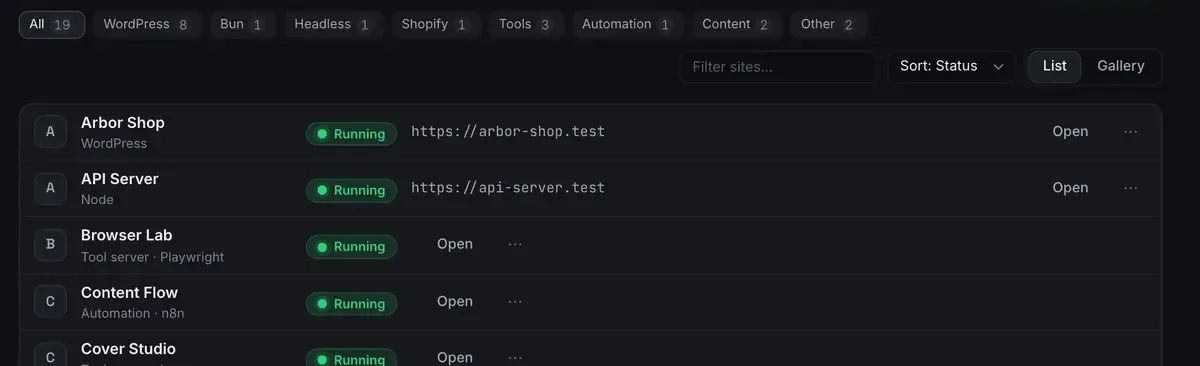
They are three sites in one window, which is what makes wiring them together practical rather than a five-service integration project.
The agent drafts. The whole app is MCP tools on 127.0.0.1:47200, so Claude Desktop, Claude Code, Cursor or ReDock’s own agent can write into a WordPress site: draft a post, set its content, create the pages.
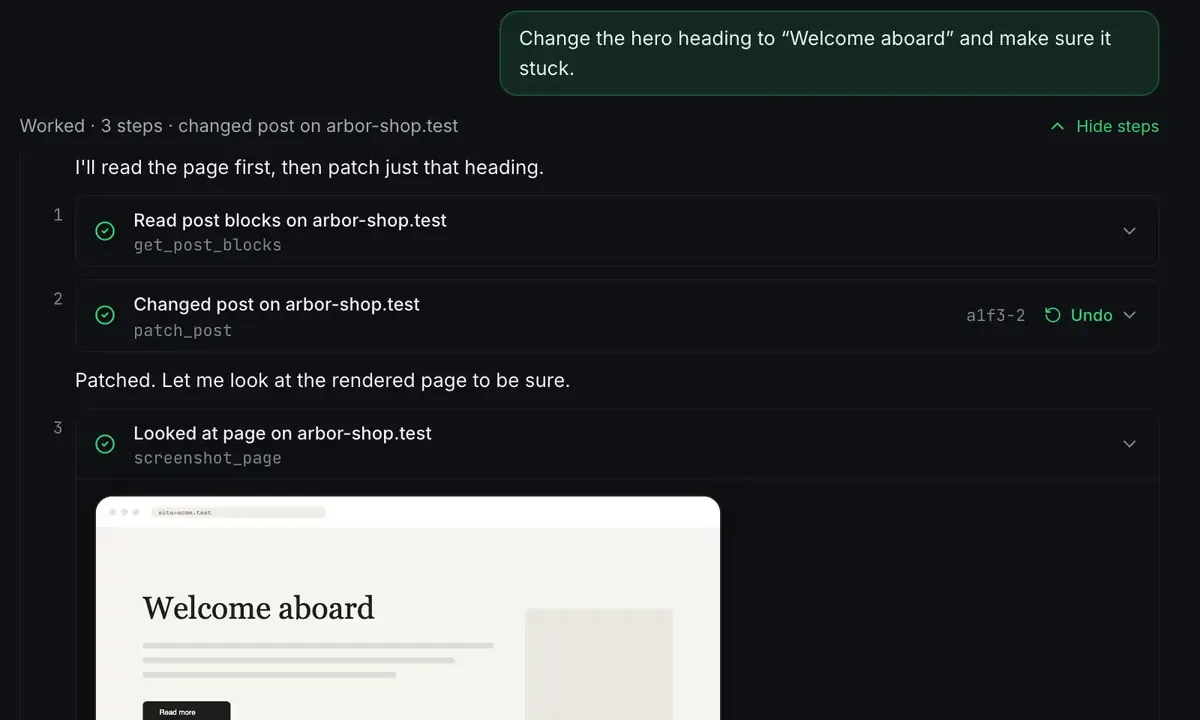
Read, act, verify, with an undo on every write. That is what makes an automated draft an accountable one. If you would rather avoid a key, the local model catalogue runs on the machine.
n8n schedules. It runs as one of your sites and handles the cadence: trigger on a schedule, transform data, call the other steps, post when it is time. Because it runs on your machine, executions are unmetered. n8n in one click covers getting it up.
Remotion renders. Video from code, on the Bun runtime. Programmatic rather than generative: the agent writes the scene and the renderer draws deterministic frames.
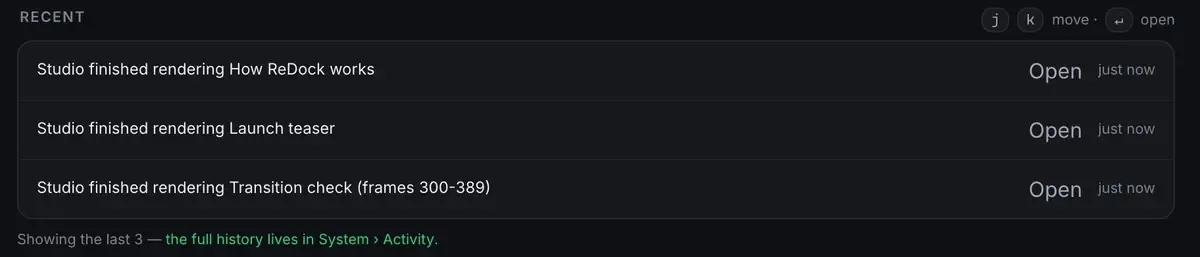
A reusable intro composition means every episode’s clip is a prop change rather than a re-edit, which is free video tools for YouTube. The Studio, for docs, video and images, runs on macOS.
Wiring it together
n8n sits at the centre and calls the other two. A plausible flow:
- A schedule trigger fires each week.
- n8n hands the agent a topic. The agent drafts a post and saves it as a draft.
- The same source drives a render for the companion clip.
- n8n flips the post to published at the chosen time and surfaces the rendered file.
You review before anything goes live. The pipeline drafts and schedules; you approve. Every change is visible and reversible, so an automated draft is never an unaccountable one. The MCP docs cover the agent side and the stacks docs cover the engines.
Why local first is the right call here
A hosted pipeline meters you at every step: executions, render minutes, calls. A one-person budget feels each of those. Local removes the meters, because the machine is hardware you own and executions and renders cost time rather than credits. Every runtime installs into ReDock’s own folder, never onto your system, so uninstalling leaves the machine as it was.
The honest trade: the machine has to be awake for a scheduled job to run, and you are your own operations team. For a solo publisher that is usually the right trade, because you control the whole thing and pay nothing to run it.
If the site you publish to is a client’s
This pipeline assumes the site is yours. If you are publishing to sites you look after for other people, the shape is the same and the guardrails are different: nothing connects without a consent screen, an AI app carries a level, and seven switches decide what it may do on its own. Publishing is one of them, so an agent can be allowed to draft and refused permission to publish. That is ReDock Web, and one connected site is free: create an account.
Where this fits
This is the “wire it together” chapter of the zero-dollar creator stack. If you are starting from nothing, ship a side project in one evening is the on-ramp, and when a piece is ready to be public, deploy a website for free takes it there.
FAQ
Does the whole pipeline really run on one machine?
Yes. The agent, n8n and Remotion all run as sites side by side. The only external touch is publishing or deploying, which use Cloudflare’s free tiers.
Will it publish things without me checking?
Only if you design it that way. The recommended shape is draft and schedule with a human approval step. Every change is reversible.
Is the video part generated footage?
No. Remotion renders video from React code the agent writes: deterministic and repeatable, not a text-to-video model.
Does this work on Windows?
Sites, the agent, sharing and the MCP server are the same on macOS and Windows. The Studio, for docs, video and images, runs on macOS.
Ready to run the pipeline on your own machine? Download ReDock for macOS or Windows.