The no-terminal dev environment: who it is for and who it is not
No terminal does not mean no code. It means the plumbing happens in an app. That is a good default for building sites and beside the point for infrastructure work.
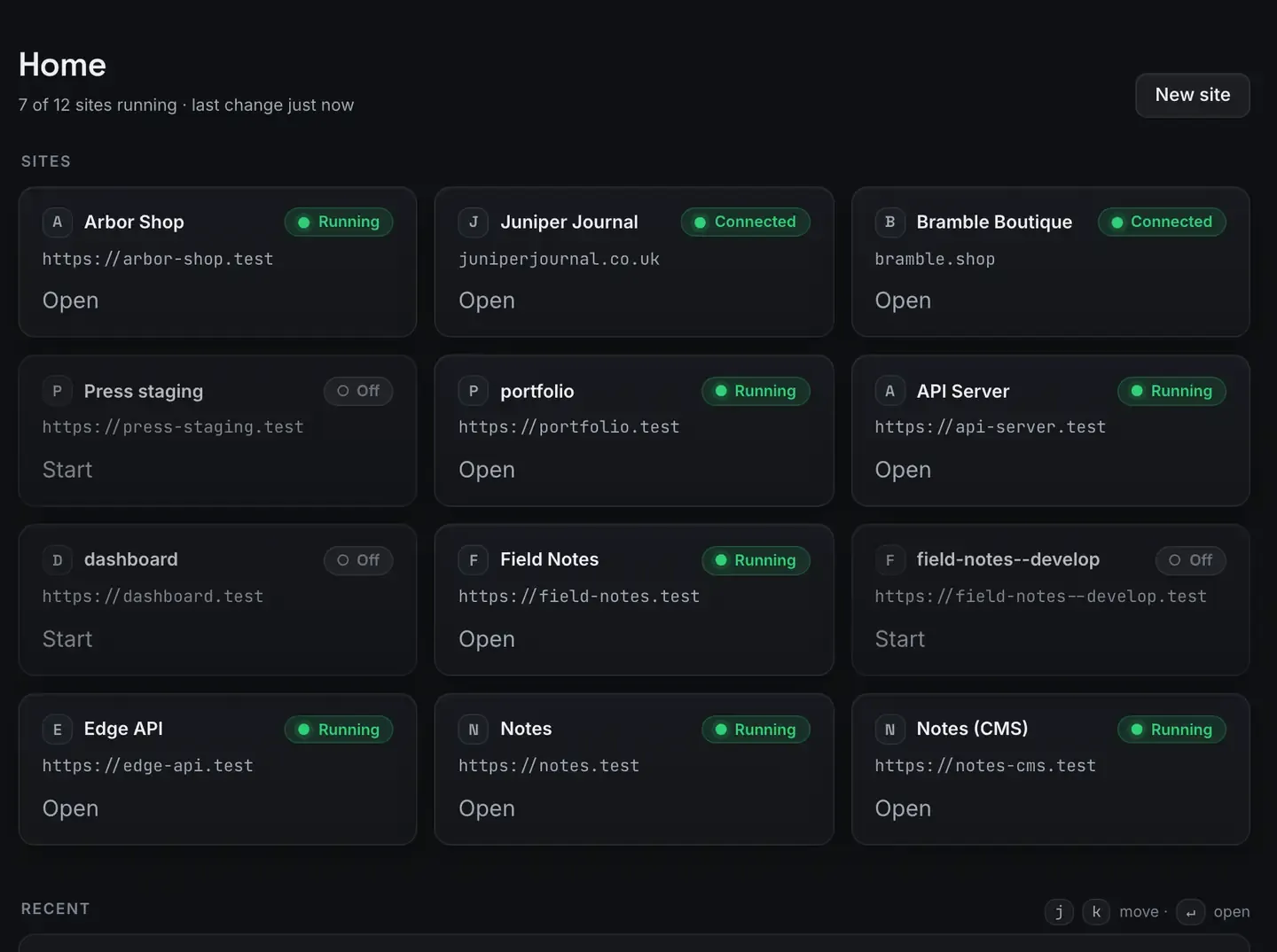
A no-terminal development environment is one where you build, run and share real sites without typing shell commands. Whether that is a good idea depends entirely on who you are.
For designers, content people, WordPress builders, and developers who would rather not lose an afternoon to environment setup, skipping the terminal removes real friction. For engineers whose work is the command line, it is beside the point. This post is honest about both, and it is not going to pretend the terminal is obsolete.
What no terminal actually means
It does not mean no code. It means the plumbing, installing runtimes, configuring databases, setting up HTTPS, managing ports, happens through an app rather than hand-typed commands.
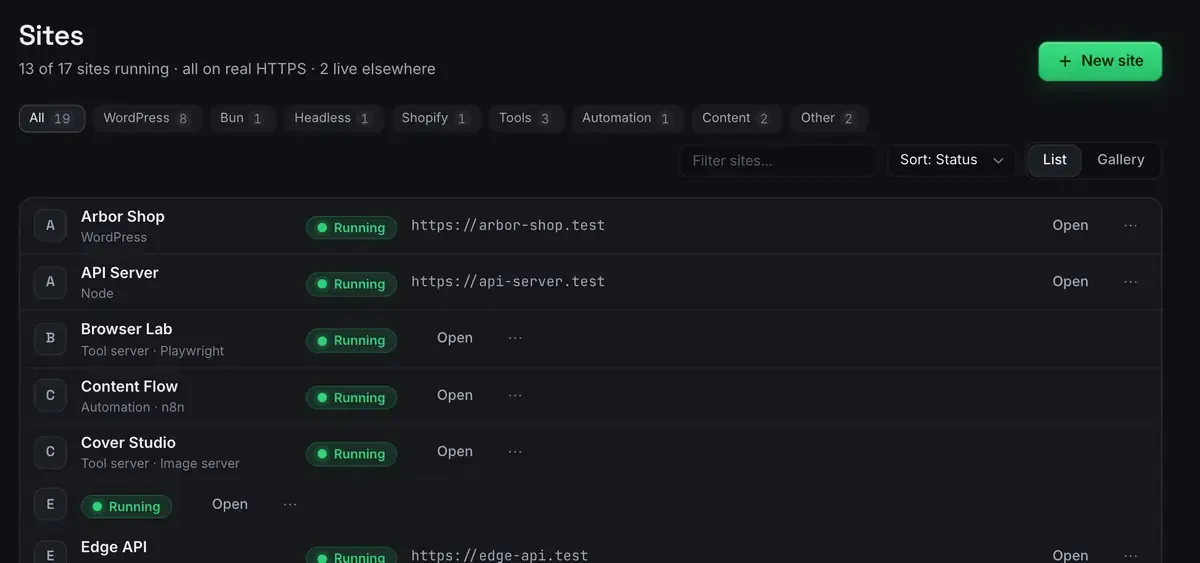
You still write code, edit files and use git. You do not have to install a package manager, edit a hosts file or generate a certificate to get a site onto a trusted address.
It covers more than provisioning. A database query is a place people reach for a terminal client out of habit.
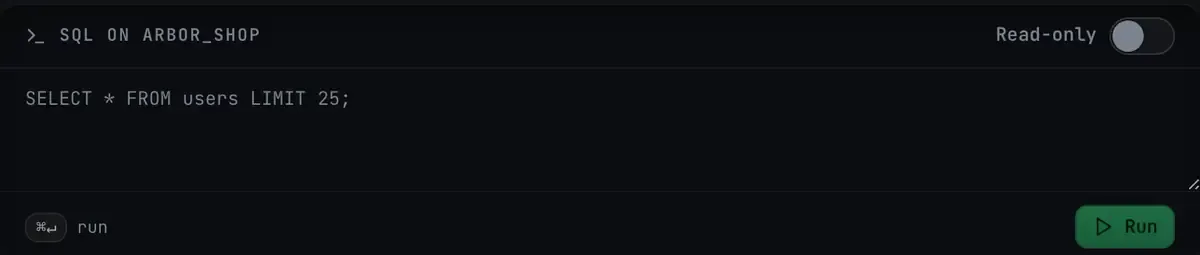
Note the read-only toggle. Off by default, so an exploratory query cannot become an accidental write, which is exactly the failure a terminal client makes easy.
Who it is for
Designers and content people who want to see real work in a real environment without becoming administrators first.
WordPress builders whose job is themes, plugins and content rather than runtime configuration.
Freelancers juggling client sites who do not want to hand-provision each one.
Developers who value their time. Being able to configure a web server is not the same as wanting to again.
People learning, who would otherwise stall on setup before writing a line.
For these people, removing the terminal removes a barrier that has nothing to do with the work they were trying to do.
Who it is not for
Fairness means saying this plainly.
Engineers who live in the command line. If you are fluent in shell and scripting, a window can feel like it is between you and the machine.
Infrastructure work. Orchestration, pipelines, server configuration: that is command-line territory and a window is not trying to replace it.
Anybody needing production parity. Reproducing a production container exactly is Docker’s job, not a window’s.
Highly custom scripted setups. If your environment is a bespoke pile of scripts, another tool’s opinions may fit awkwardly.
A no-terminal environment is a good default for building and running sites. It is not a claim that the command line is dead. Most serious developers will still drop to one for something, and that is fine.
The third path
The best framing is not terminal against no terminal. It is which one is the default.
The bet is that the terminal should not be the required path to a running site. You can still open one, still use git, still script whatever you like. The app handles provisioning so the command line becomes a choice for the parts where it earns its place rather than a toll booth on the way to an address.
And when a change is better expressed as an instruction than as a click, there is a third path.
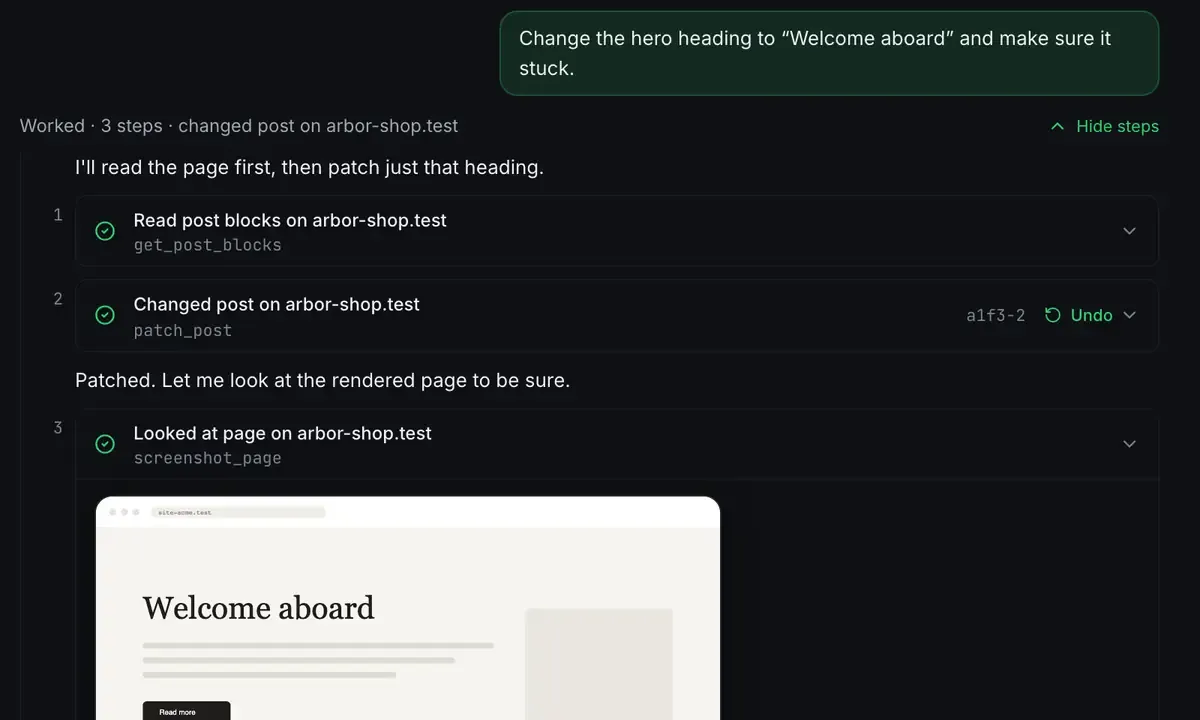
Install this plugin, create these pages, switch to that branch. Not clicking, not typing shell commands, but directing, with every change visible and reversible. That runs over MCP on 127.0.0.1:47200, which what is MCP explains.
Choosing
You build sites and setup friction annoys you? A no-terminal tool fits well.
Your work is infrastructure, scripting or command-line engineering? Keep your terminal; a window is not the point.
Somewhere in between, which is most people? Use the app for provisioning and the terminal where it genuinely helps. They coexist.
The wider landscape is MAMP alternatives, and setup is the install guide and the stacks list.
FAQ
Does no terminal mean I cannot use the command line at all?
No. It means the terminal is not required to get a site running. Open one whenever you want; the app just handles provisioning so you do not have to.
Is this only for people who are not developers?
Not at all. Plenty of experienced developers use one to skip environment setup and get to the work. Being able to configure a stack by hand does not mean wanting to every time.
Can an agent really run everything without me typing commands?
For the common tasks, yes: creating sites, installing plugins, editing content, all in language and all reversible. For anything it cannot do, the terminal is still there.
Does it work on Windows?
Yes. Sites, the agent, sharing and the MCP server are the same on macOS 12 Monterey or later and 64-bit Windows 10 or later.
Want an environment that does not start with setup? Download ReDock for macOS or Windows.