Let Claude write your launch video: agent-driven Remotion scenes
Describe the video, let an agent write the scene code, and render an exact file on your own machine. The agent drafts, the renderer draws, nothing is synthesised.
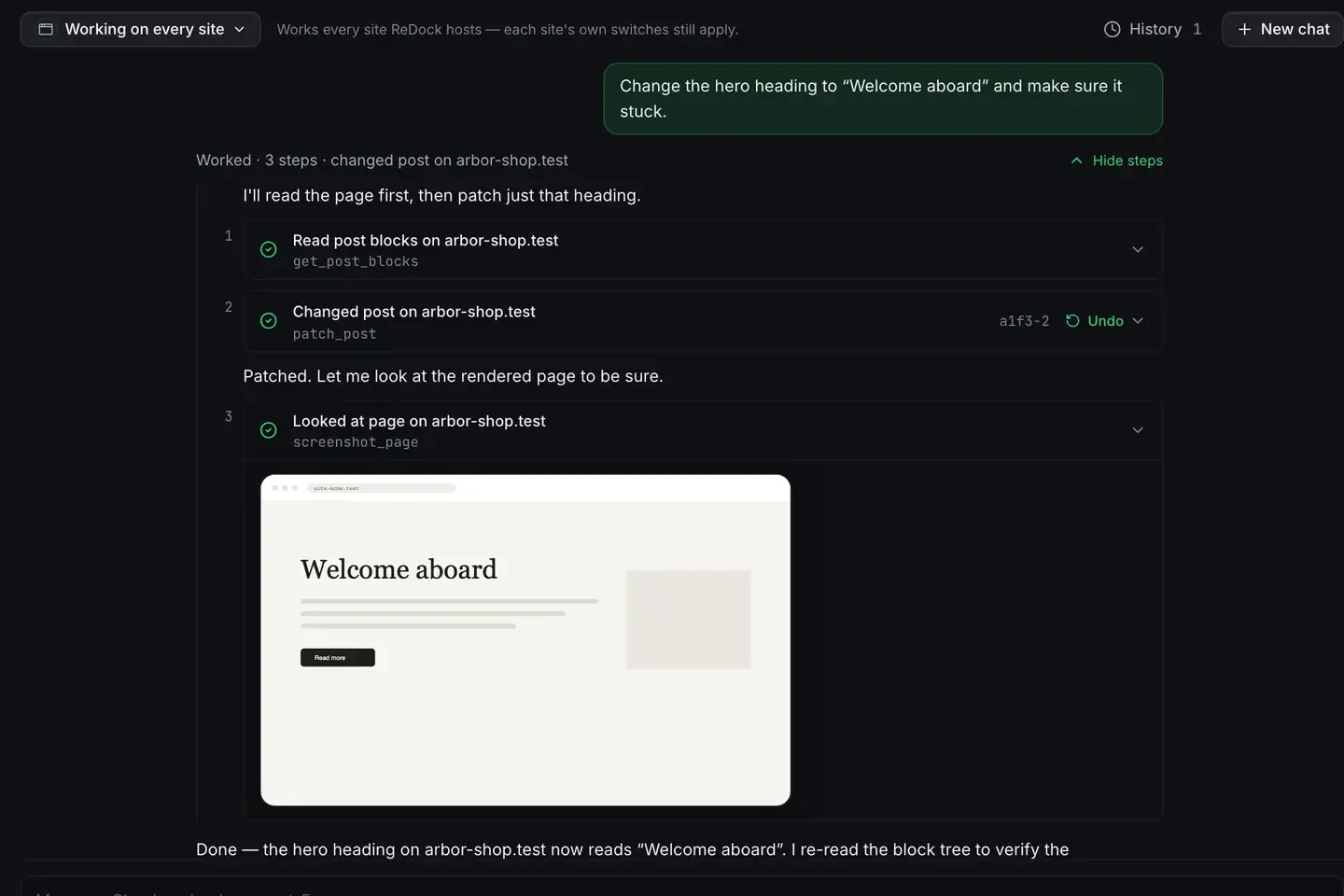
You can describe a launch video in a sentence and have an agent write the Remotion scenes for it, then render an exact file on your own machine.
The distinction matters: the agent writes React scene code, and the renderer draws each frame precisely as that code says. Nothing is synthesised. ReDock publishes the whole app as MCP tools on 127.0.0.1:47200, so Claude, Cursor or ReDock’s own agent can author scenes against a live Remotion project on the Bun runtime. The Studio, for docs, video and images, runs on macOS.
What AI video from code actually means
Two very different things get called AI video.
One is generative synthesis: a model invents pixels from a prompt, and you cannot guarantee your product name is spelled correctly or your logo is the right colour.
The other, which is this, is an agent writing code that a deterministic renderer executes. The agent’s job is drafting scene components. The renderer’s job is drawing them exactly. You get the speed of describing what you want with output that is precise and on brand every time. Free AI video with Remotion has the full distinction.
Connecting the agent
Settings, AI, Other AI apps hands you the config, already filled in.
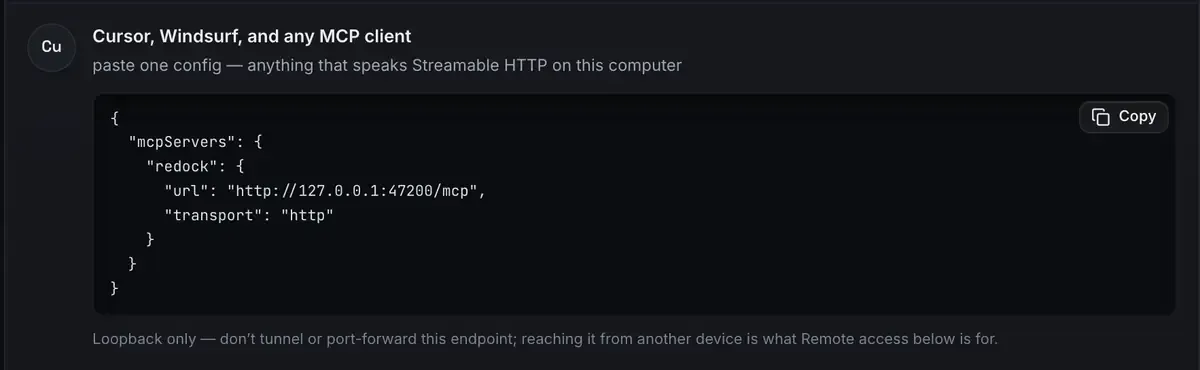
Claude Desktop is a one-click connector, Claude Code is a single line, and anything else that speaks Streamable HTTP takes that block. ReDock’s own agent needs no connection at all, and works with a cloud key or a model from the local catalogue, so this runs with no external call. The MCP docs and the built-in agent docs have the setup.
How the agent authors a scene
Because Remotion runs as a stack and the app is on MCP, the agent has real context: it knows the project is running, on which runtime, and can write and revise scene files.
- You describe the video. A fifteen-second launch: logo animates in, product name, three feature lines appearing in sequence, then a closing card with the address.
- The agent writes the scenes. React components, with timing, text, colours and transitions, as Remotion code.
- The renderer draws it. Frame by frame on the Bun runtime, with live progress.
- You review and refine. Change a colour, slow a transition, fix the wording. Tell the agent, or edit the code yourself, and render again.
You stay in control because the output is code you can read. If the timing is wrong, it is a number you change rather than a re-roll of a black box.
A realistic pass
You are shipping a feature. You give the agent the beats: title card, a place for a screen recording, three benefit lines, a closing card. It scaffolds a scene per beat and wires them in sequence. You render, watch the frames complete, and notice the second transition is too fast. You say so, it adjusts the interpolation, and the second render is right.
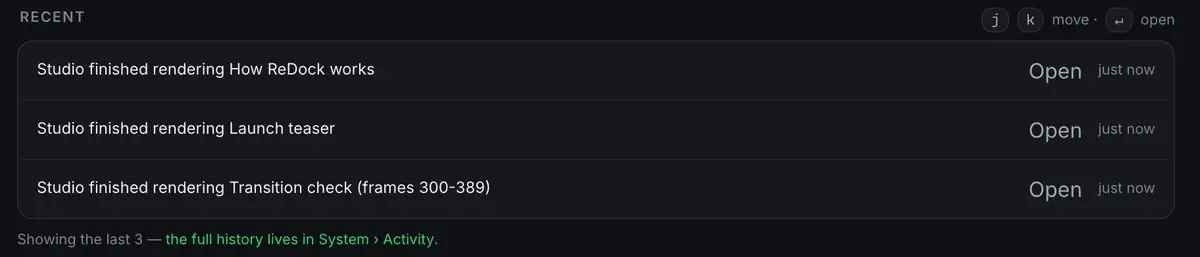
That third line is the fix in progress. Re-rendering ninety frames rather than the whole video is only possible because the output is deterministic, and it is what turns “the transition felt wrong” into a thirty-second loop.
The whole thing lived on your machine, cost nothing to render, and the project is now a template for the next launch. The batch pattern is render farm of one, and because the scenes are data-driven you can point the same template at a changelog: auto-generate product demo videos.
FAQ
Is the agent generating the frames?
No. The agent writes scene code and Remotion’s renderer draws the frames exactly as that code specifies, which is what keeps the video precise and on brand.
Do I need to pay for an AI API?
No. ReDock ships its own agent and a catalogue of local models, so scenes can be authored with no key and no cloud call. Connecting Claude or Cursor is optional.
Can I edit what the agent writes?
Yes, and that is the point. The output is readable React. Change colours, timing and text yourself, or ask the agent to revise, then render again. You own the project.
Does this work on Windows?
Not yet. The Studio runs on macOS. Sites, the agent, sharing and the MCP server are the same on macOS and Windows.
Describe the launch video, let the agent write the code, render it exact. Download ReDock and make yours today.