Auto-generate product demo videos from your changelog
A changelog is structured data and a demo video is a repeatable format. Map one onto the other and one template renders a consistent video per release.
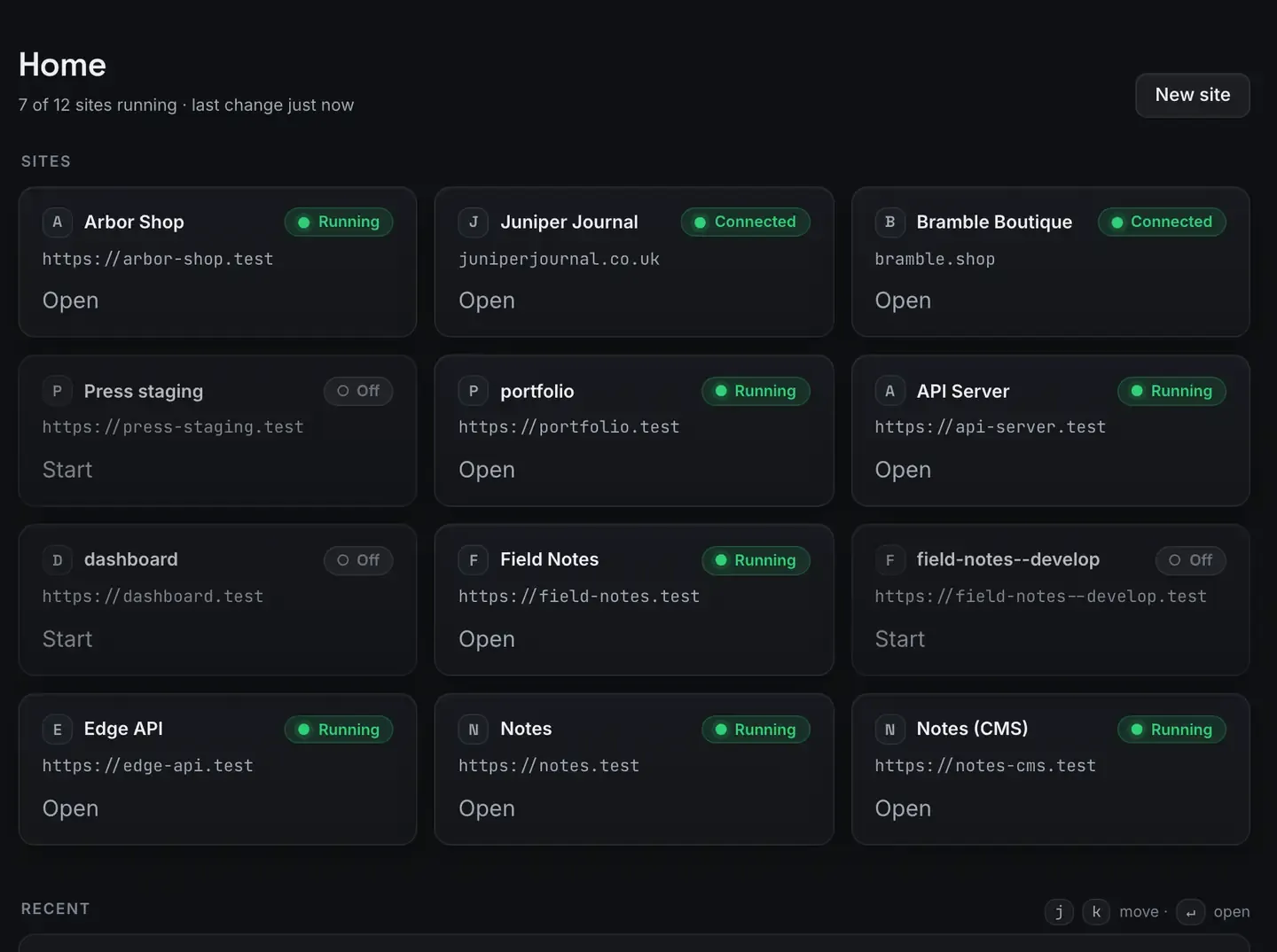
You can turn a changelog into product demo videos automatically. A Remotion template reads your release data, the version, the feature name, the description, a screenshot, and renders a file for each entry.
Because Remotion is programmatic video, the layout is code and the content is a variable, so one template produces a consistent video per feature with correct text and on-brand styling every time. ReDock runs it on the Bun runtime with live frame progress. The Studio, for docs, video and images, runs on macOS.
Why a changelog and code video fit together
A changelog is structured data: a list of releases, each with a title, a description, maybe an image and a version. A demo video is a repeatable format: intro, feature highlight, a few lines, outro.
When the video is a template and the changelog is data, generating videos is mapping one onto the other.
This is exactly what programmatic video is good at and what a timeline editor is bad at. In an editor, fifty releases means fifty manual videos. Here, fifty releases means feeding fifty data objects to one template. The scene is drawn exactly from the data, so no feature name is misspelled and no colour is off. Free AI video with Remotion has the distinction and programmatic video versus editors has the trade-offs.
The pipeline shape
Structure the changelog. A JSON or markdown file with an entry per feature: title, description, image, version. Most teams already keep this.
Build one template. A Remotion scene that takes those fields as props: a title card, the screenshot, animated lines, a closing frame.
Map data to renders. For each entry, pass its data to the template and render. The layout is identical; only the content differs.
Collect the outputs. One file per feature, named by version, ready to attach to release notes.
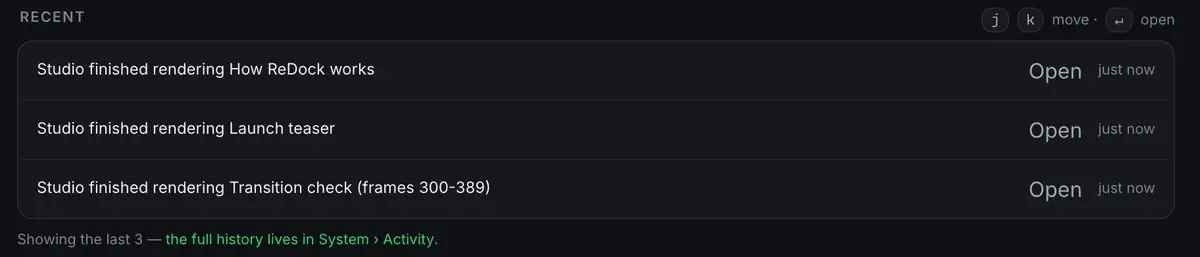
The batch step, rendering many videos from a list, runs on the Bun runtime and is covered in render farm of one.
Let an agent close the loop
The whole app is published as MCP tools on 127.0.0.1:47200, which makes “read the changelog, render the videos” something an agent can drive. Point Claude, Cursor or ReDock’s own agent at your changelog and template and it maps entries to renders. With a model from the local catalogue there is no key and no external call.
An agent can write the template too, which is Claude-written Remotion scenes. The connection is in the MCP docs.
Consistency is the real win
When demo videos come from a template, every release looks like it belongs to the same product. The intro is identical, the type is fixed, the brand colour is a constant.
A person editing fifty videos will drift: slightly different timing here, a wrong shade there. Code does not drift. That consistency is what makes a video changelog read as deliberate rather than cobbled together.
It also stays entirely on your machine: your release data, your screenshots, your renders, at no marginal cost. Render the back catalogue, then render each new release as it ships. The zero-dollar creator stack is the wider pipeline and the Remotion tutorial is the start.
One honest note. Screenshots and screen recordings are assets you supply. The template places and animates them exactly; it does not capture your interface for you.
FAQ
Does this record my product’s screen automatically?
No. You supply the screenshots or recordings and the template places and animates them precisely. It draws the layout from your data; it does not capture your interface.
How consistent are the videos?
Fully. Every one comes from a single template, so the intro, the type and the branding are identical across releases and only the per-feature content changes.
Can I regenerate old videos if I rebrand?
Yes. Change the template once and render the whole changelog again. Because it is code driven by data, the entire back catalogue updates from one edit.
Does the Studio run on Windows?
Not yet. It runs on macOS. Sites, the agent, sharing and the MCP server are the same on macOS and Windows.
A video per release, generated from data you already keep. Download ReDock and turn your changelog into demos today.