Render farm of one: batch-rendering Remotion videos locally with Bun
One template, a list of data, and a warm Bun runtime turn your own machine into a render farm. No queue, no per-minute bill, and the assets never leave.
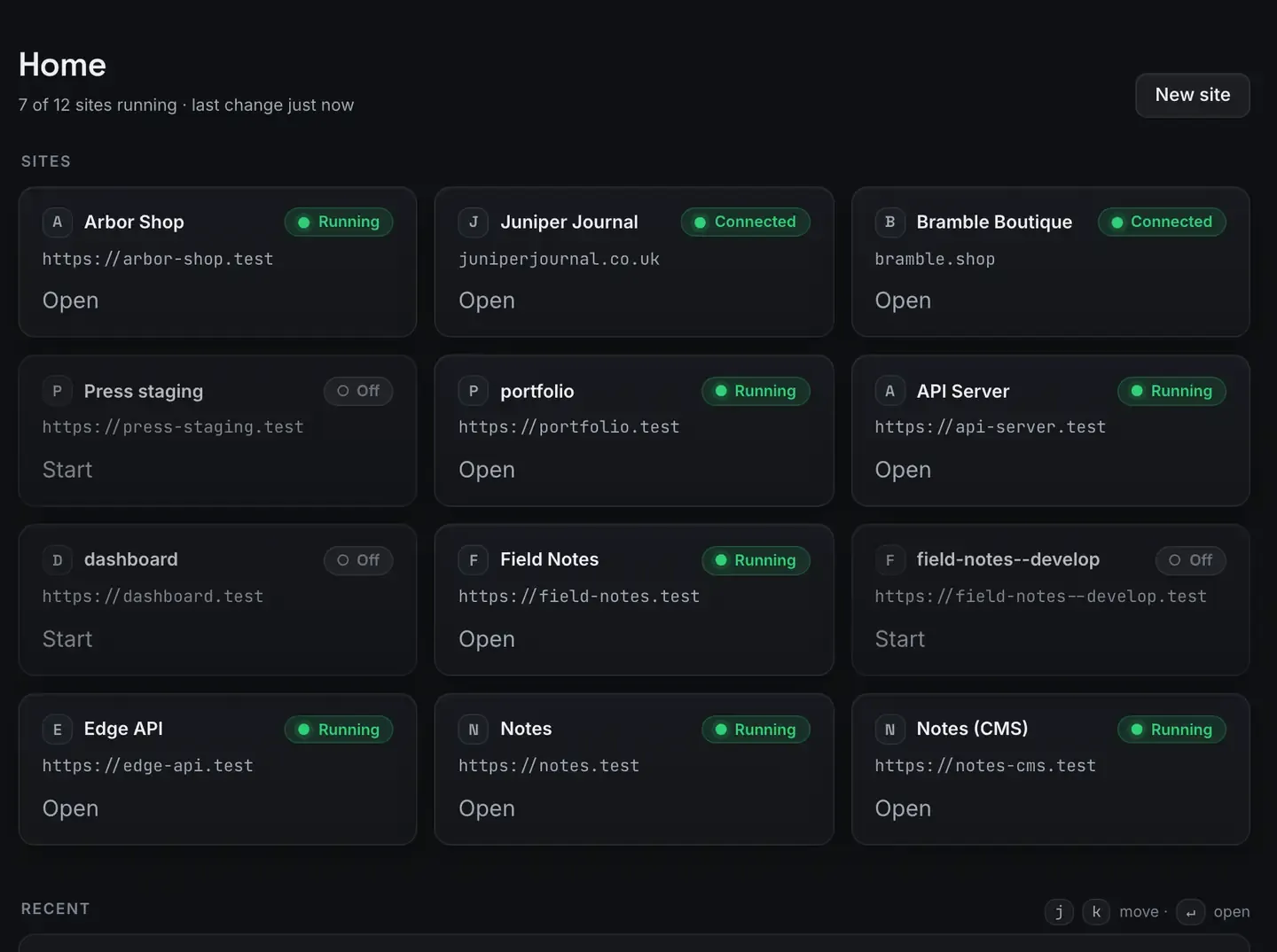
You can batch-render dozens of Remotion videos on your own machine. One template, a list of data, and the Bun runtime turning a laptop into a render farm of one.
Because Remotion is programmatic video, a single scene template plus an array of inputs, episode titles, changelog entries, localised text, renders a distinct and exact file for each. ReDock runs it on the Bun runtime as a one-click stack with live frame progress. The Studio, for docs, video and images, runs on macOS.
What a render farm of one means
Cloud video platforms sell rendering by the minute because they assume one machine is too slow for volume. Most template-based video, though, is short and cheap to draw: intros, data cards, localised variants, per-feature demos. A modern laptop renders these comfortably.
When your videos come from one template fed by a list, batch rendering is a loop. For each item, render the template with that item’s data. You are not editing fifty videos; you are rendering one template fifty times with different inputs, and the renderer draws each frame exactly from the data, so every output is consistent.
Why the runtime matters
For a batch job, starting the render, walking frames, encoding, moving to the next item, a quick runtime keeps the loop tight. ReDock runs Remotion on Bun and warm-starts it, so you are not paying startup cost on every video.
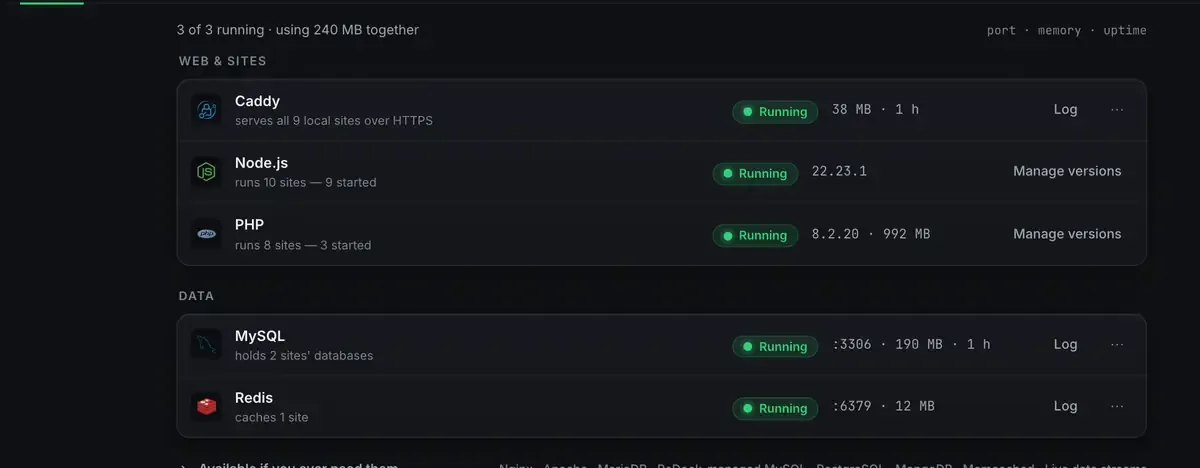
Every one of those lives in ReDock’s own folder rather than on your system, pinned per site, and the window reports what is actually running rather than what was asked to run. During a long batch that is the difference between knowing it is working and hoping.
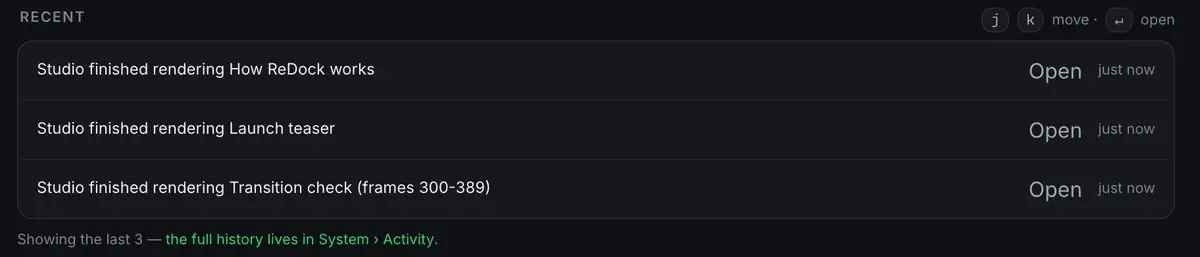
Building a batch
One template. A Remotion scene that takes its content as props: title, colours, images, timing. Build it once; the Remotion tutorial covers the basics.
A list of inputs. An array of data objects, one per video. Your changelog, a list of episodes, a set of localised strings.
A render loop. For each input, render the template with those props to a named file.
Collect the outputs. A folder of finished videos, each exact and on brand.
Common jobs: a season of intros, which is free video tools for YouTube, a video per changelog entry, which is auto-generate product demo videos, or localised versions of one announcement.
Let an agent drive it
Because the whole app is published as MCP tools on 127.0.0.1:47200, an agent can orchestrate the batch: read the list, render each item, report progress. Point Claude, Cursor or ReDock’s own agent at the template and the data. With a model from the local catalogue there is no key involved. The agent can write the template too, which is Claude-written Remotion scenes.
Local, free, and honest about the limits
Everything stays on your machine: assets, data, renders, at no marginal cost. There is no queue you wait in behind other customers and no per-video fee. This is the video half of the zero-dollar creator stack.
Two honest limits.
A batch is bounded by your machine. A hundred long, complex videos will take real wall-clock time, and the machine works while it renders. For a typical template batch, short clips and dozens of items, that is minutes rather than hours.
It is local rendering. The machine has to be awake and the site running for the batch to finish. For the volumes a solo creator or a small team actually needs, one machine is plenty.
FAQ
How many videos can I render at once?
As many as your list holds. The limit is your machine’s time rather than a quota. Short template clips render quickly; a large batch of long, complex videos takes proportionally longer, and live frame progress shows you where it is.
Why Bun rather than Node?
ReDock runs Remotion on the Bun runtime because it keeps the render loop tight, and warm-starts it so repeated startup cost disappears. You do not configure it; it is managed with the site.
Do I need a cloud render service?
No. That is the point. Your machine is the render farm, there is no queue and no per-minute billing, and the assets never leave.
Does this run on Windows?
Not yet. The Studio runs on macOS. Sites, the agent, sharing and the MCP server are the same on macOS and Windows.
Your laptop is a capable render farm: one template, a list, and a warm runtime. Download ReDock and render the first batch today.