Free hosting that is actually your own computer: local sites behind a real link
The cheapest host you will find is the machine you already own. Run real sites locally, then give one a public HTTPS address over a Cloudflare tunnel.
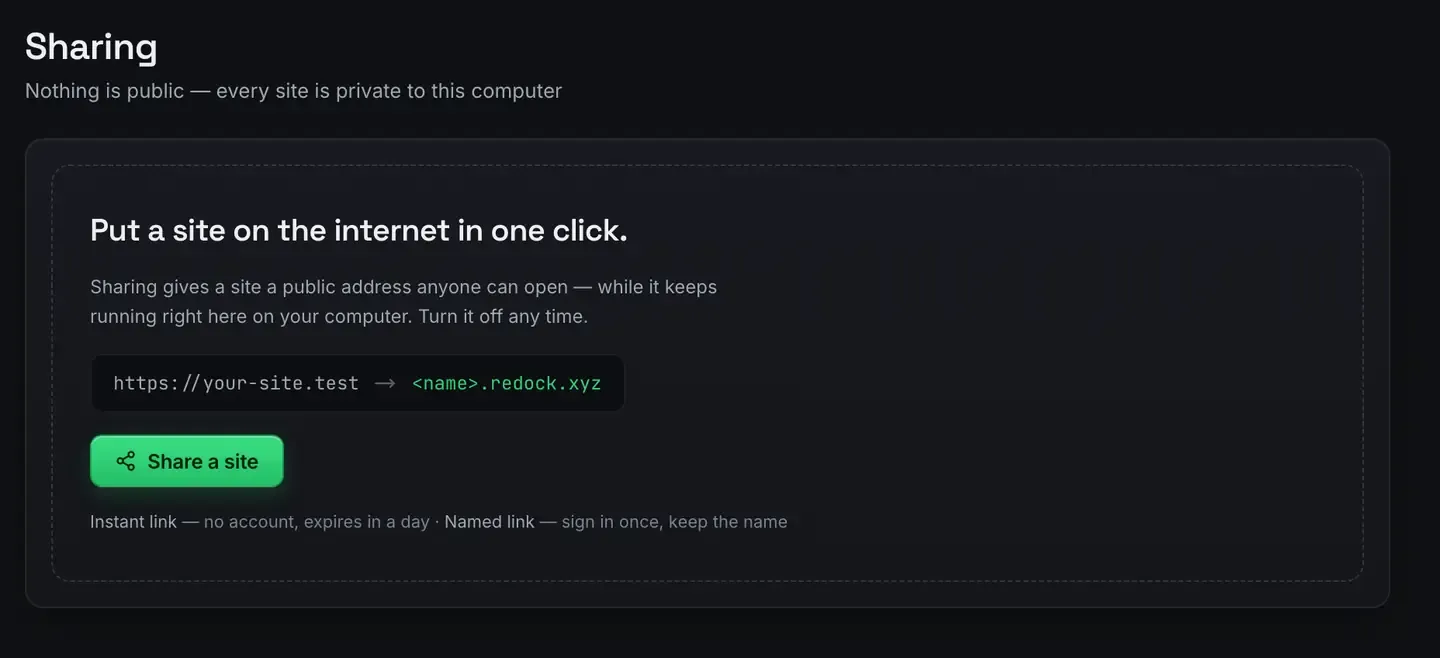
The cheapest web host you will ever find is the computer you already own. ReDock runs real websites on it, WordPress, Astro, Next.js, Node, Bun, PHP and more, each at a trusted https://name.test address, and then gives one a public HTTPS link over a Cloudflare tunnel.
No monthly bill, no server, no card. The app is free and runs on macOS 12 Monterey or later and 64-bit Windows 10 or later.
How a laptop becomes a host
A web host is a machine that runs your site’s stack and answers requests. Your computer can do both. The friction was always setup: installing PHP, MySQL, Node versions and certificates by hand.
ReDock takes that layer away. Each site gets the runtime it needs automatically. WordPress gets PHP and MySQL. An Astro project gets Node. A Bun app gets Bun. Every site gets a https://name.test address with a certificate your machine trusts, so you develop against real HTTPS from the first minute. Nothing installs onto your system: every runtime lives in ReDock’s own folder, per version, per site.
At that point you have local hosting. The next step makes it public.
The tunnel is the part that makes it real
A Cloudflare tunnel is an outbound connection from your computer to Cloudflare’s edge. A visitor hits a public address, Cloudflare forwards the request down the tunnel, and the site running on your machine answers. Because the connection is outbound, you do not open ports, touch your router, or publish your home address.
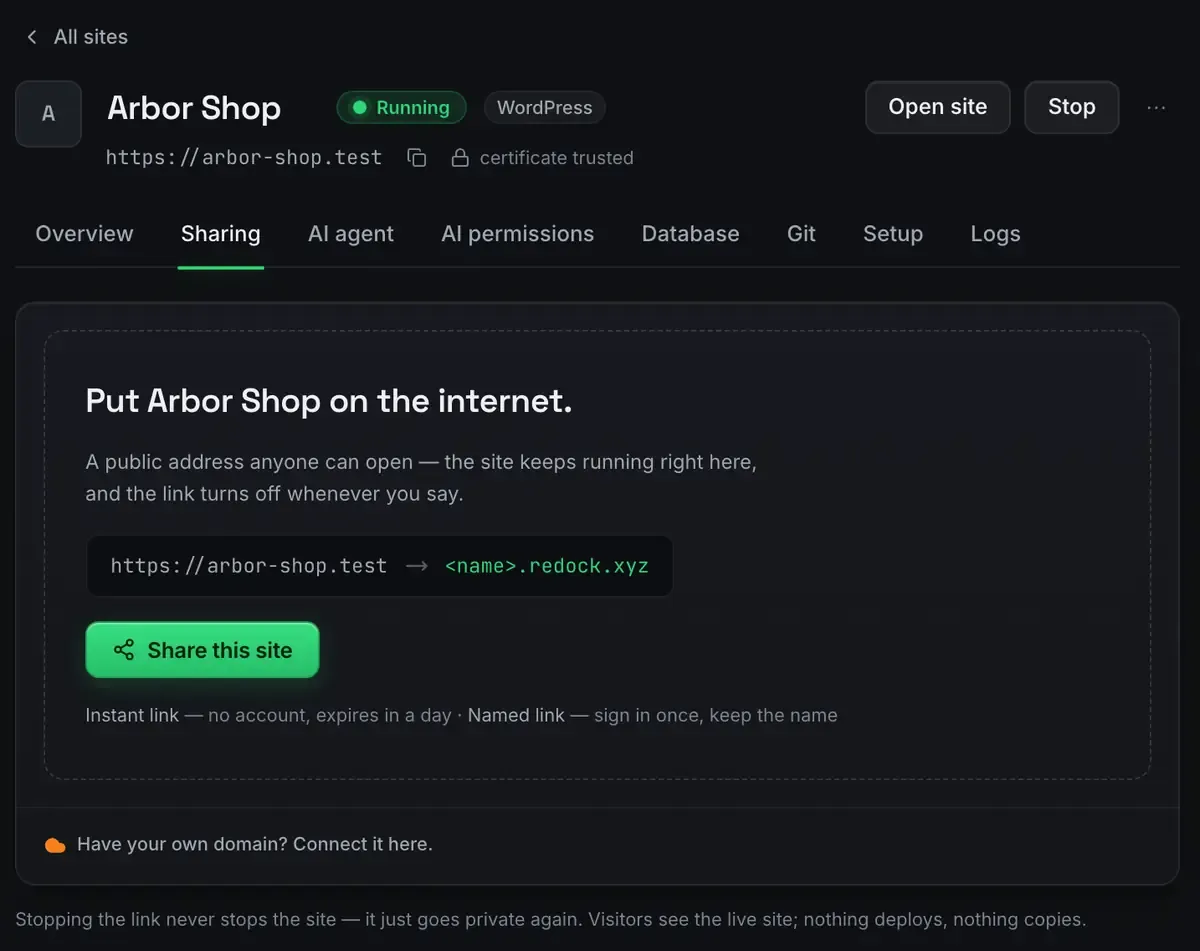
Two shapes, both included on every plan.
- Quick links. One click produces an unlisted address under redock.xyz. Unlimited, no account, expires in a day. Stop sharing and it goes dark.
- Named links. Pick a name you will remember. Three of those, and they keep the name for as long as you use them.
The lifecycle is honest. Stop the site and the tunnel parks with it, then comes back when the site does. The window shows the true state rather than a green dot that means nothing.
The network the links run on comes with your account and needs no setup of its own.

What this model is good for, and what it is not
Hosting from your own machine has one defining property: the site is up when the machine is up. That makes it excellent for some jobs and wrong for others.
Good fits. Client previews and design reviews: send a link, get an opinion, kill the link. Webhook development, where a payment provider or a repository host has to reach your code. Demos, hackathon projects, internal tools you use during the working day. Staging you would otherwise pay for, which free staging environments covers.
Wrong fits. A production site that has to survive your laptop sleeping. For that, deploy the built output instead: deploy a website for free covers it. Deploy for permanence, tunnel for liveness.
The two combine well. Build and share over a tunnel, then deploy when it is ready to live on its own.
Security and privacy, plainly
Is my home address exposed? No. Visitors only ever reach Cloudflare’s edge. The tunnel is outbound from your machine.
Can strangers find a quick link? The addresses are random and unlisted, so they are not indexed and not guessable in practice. Unlisted is not the same as authenticated: anyone holding the link can open it, so treat the link itself as the key.
What happens when I stop sharing? The address goes dark. Not a cached copy, not a soft redirect. Dark.
All of it is visible in the app, because what the window says is running is what is running.
Hosting an agent can operate
Most talk of AI hosting means a support bot on a billing page. The version worth having is different: the environment publishes what it can do as tools, and an agent calls them.
That is what the desktop app is. The whole thing is an MCP server on 127.0.0.1:47200, so Claude Desktop, Claude Code, Cursor or any MCP client can list your sites, read their real state, edit content, query a database and share a site, without screen-scraping a control panel. The permissions are set per site, in plain words rather than tiers: design and content, management, database, and advanced access which is off by default. Deleting anything always asks first, and the answer covers that moment rather than the session.
An agent is leverage, not autopilot. It is good at repetitive, well-scoped work, and it is a poor substitute for judgement about what the site should say. WordPress MCP is what that looks like in practice, and the endpoint is loopback only, so nothing here is public unless you share or deploy a site.
FAQ
Is this really free, or free with an asterisk?
Two literal facts. The links ride Cloudflare’s own infrastructure through your account and cost nothing. The desktop app is free on every plan, and the sharing limits are the same on all of them: unlimited quick links, three named redock.xyz subdomains, and one custom domain attached at a time.
Does my machine need to stay awake?
Yes. The site is served by your computer, so it is reachable while that computer is on and ReDock is running the site. For always-on, deploy the built output instead.
Can I do this on Windows?
Yes. Sites, the agent, sharing and the MCP server are the same on macOS and Windows. The Studio, for docs, video and images, is macOS only for now.
What about the live sites I look after for clients?
Different job, different product. ReDock Web is the dashboard for live WordPress sites somebody else hosts: health, plugin updates with a snapshot taken first, jobs across many sites, a monthly report per client. One connected site is free.
Your computer is a better host than you have been giving it credit for. Download ReDock for macOS or Windows.