A free AI website builder that runs offline: agent, local model, real WordPress
The agent, the model and the site all run on your own machine, so you can build a real WordPress site with no account, no key and no connection.
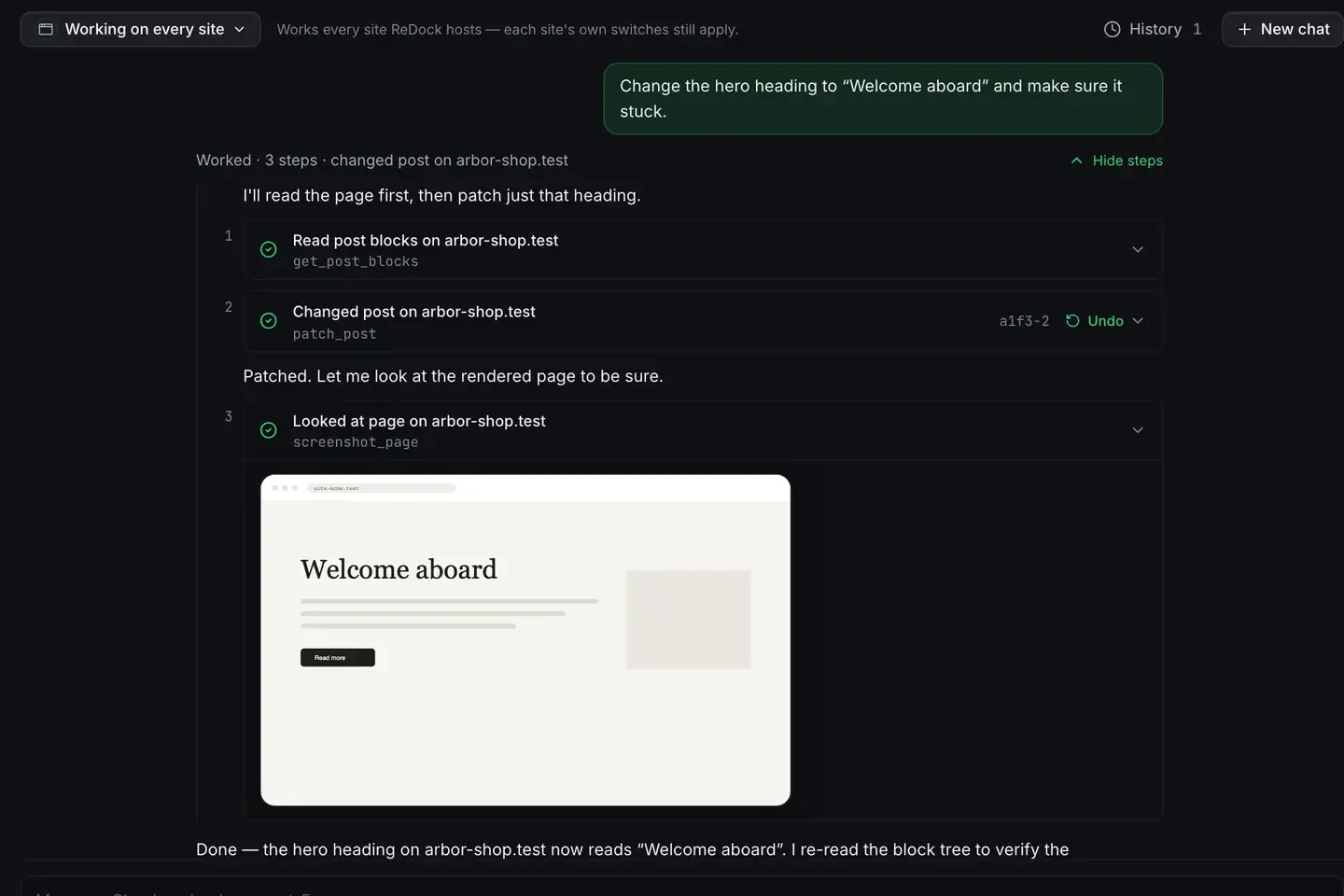
A free AI website builder that runs offline means the whole loop lives on your machine: the agent, the model, and the site being built. No account, no key, no connection required.
ReDock does that. A built-in agent, a catalogue of local models sized to the memory you have, and a site platform that provisions real WordPress, Astro, Next.js and more. It is free, on macOS and Windows.
What offline actually requires
Most AI website builders are cloud services. The AI runs on their servers, the site lives in their hosting, and nothing works without a connection and a subscription.
Offline is the opposite, and three pieces have to be local for it to hold.
The model. Downloaded once, running on your hardware, with no key.

The agent. ReDock’s own, turning your request into tool calls with no cloud brain in the loop.
The site. WordPress with a pinned PHP version, its own MySQL database and the install done in one step, plus headless WordPress, Astro, Next.js, Node, Bun and PHP, each at a trusted https://name.test address.
With all three on the machine you can build a site on a plane. Nothing phones home.
How the agent builds one
You describe what you want. The agent reads the site’s state, picks the right tools, builds, then reads the result back to confirm it worked.
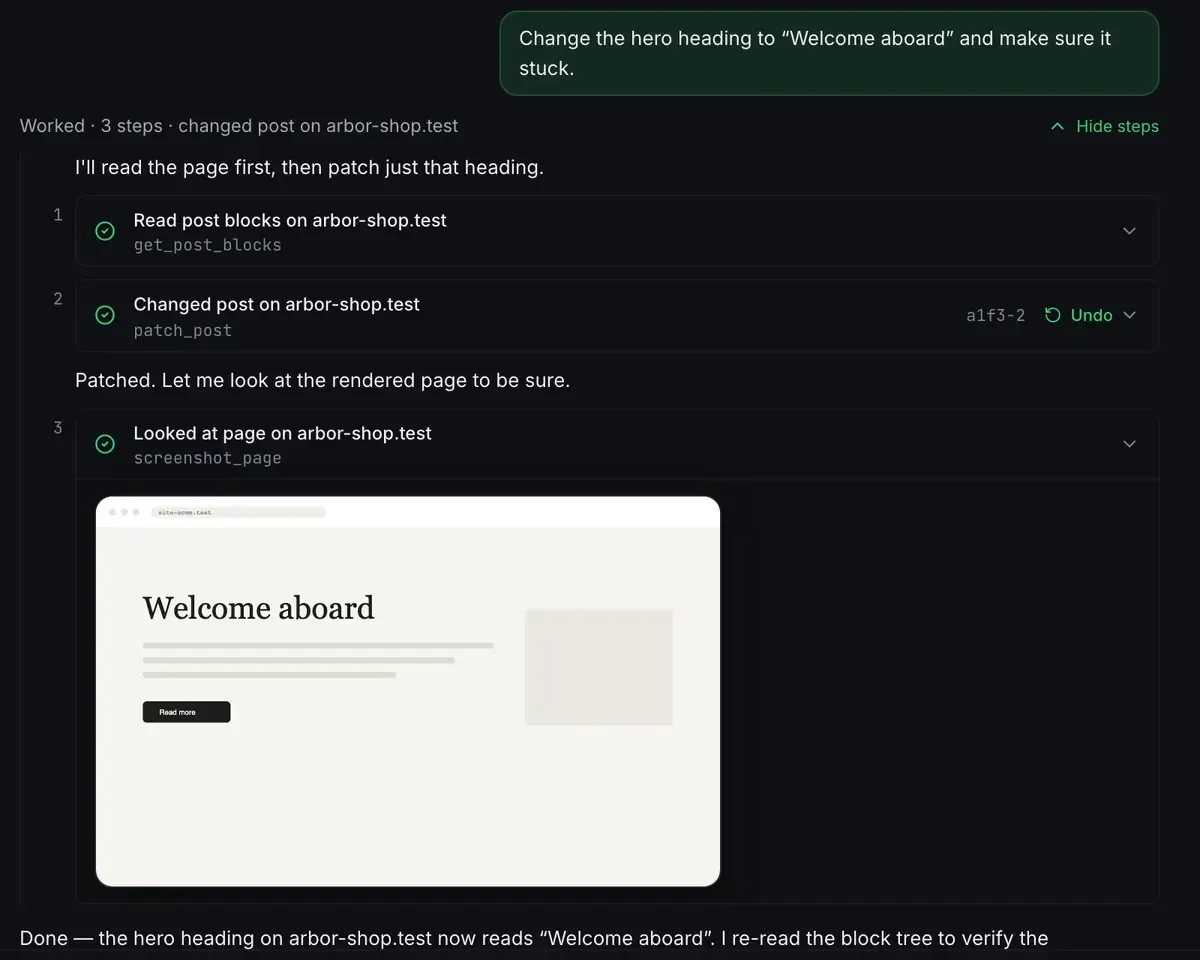
That third step is why a modest local model is enough. The correctness rests on the tools, which execute the change and then go and look at the result, rather than on the model being certain.
For WordPress that means creating the site, writing pages from the theme’s real block patterns, installing plugins, and signing you in through a single-use link. Because it is patterns first, the output is real editable blocks rather than an HTML blob, and you can open the editor and change anything by hand. AI edits your WordPress site and WordPress MCP have the detail.
Free, and honest about the ceiling
The desktop app is free on every plan, and a local model costs nothing to run. That part is straightforwardly real.
The honest part: a model sized to your machine’s memory will not match a large cloud one at the hardest reasoning. For building a site out of structured tasks, create page, insert pattern, activate plugin, that is fine, because the tools carry the load. For something that needs deep reasoning you would connect a cloud model instead, through the same tools. Local models on an 8 GB Mac and Claude versus a local model lay out the trade without spin.
What a session looks like
Offline, you pick a model from the catalogue and tell the agent to build a WordPress site for a coffee shop with a home page, a menu and a contact page. It creates the site, composes each page from block patterns, installs a form plugin, and hands you a link into wp-admin. You review and adjust. No connection touched, no key entered, nothing billed.
When you are back online and ready, a one-click deploy with a domain you own takes it live. The first-site guide covers provisioning and the built-in agent docs cover the model side.
FAQ
Does it really work with no internet?
The build loop does. The model, the agent and the site all run on your machine. You need a connection only when you deliberately share or deploy the finished site.
Is it actually free?
Yes. The desktop app is free on every plan and a local model runs with no key and no meter. It needs macOS 12 Monterey or later on Apple silicon, or 64-bit Windows 10 or later.
What kinds of sites can it build?
WordPress and headless WordPress, plus Astro, Next.js, Node, Bun and PHP with MySQL, and n8n and Remotion beside them. The stacks docs have the table.
Can I switch to a cloud model later?
Yes, per conversation. The tools are the same either way, so switching changes how well the agent plans and nothing about how the site is operated.
If you want an AI website builder that runs on your own machine, offline, download ReDock for macOS or Windows.