Hosted free tiers versus owning your stack: the numbers, checked today
What Vercel, Netlify and Cloudflare actually print on their free plans as of 11 September 2026, and where running the local half yourself fits.
Vercel and Netlify’s free tiers are excellent for what they are: push to a repository, get a globally deployed site with continuous integration, previews and a network, in minutes.
They also have limits worth understanding before you lean on them, and those limits have moved recently enough that older comparisons are actively wrong. So we read all four vendors’ own pages on 11 September 2026 and copied the figures down. Check them yourself before you build against them; ours will go stale too.
What the pages print today
Vercel, Hobby
From vercel.com/pricing, the free plan is called Hobby at $0 a month: 100 GB of fast data transfer, 1M edge requests, 1M function invocations, 4 hours of active compute, 360 GB-hours of provisioned memory, 1 team seat.
Two things not on the plan card. Build minutes are printed only as “Included”, with no number anywhere. And the FAQ says plainly: “Our Hobby plan is for personal, non-commercial use.” If the site is for a client, that sentence is the one that matters.
Their limits page, last updated 3 September 2026, adds 200 projects, 100 deployments a day, 45 minutes of build time per deployment, and one concurrent deployment.
Netlify, Free
From netlify.com/pricing, the free plan is $0 “forever”, and the only quantified allowance printed for it is a 300 credit limit a month.
There is no bandwidth figure and no build-minutes figure printed for the free plan anywhere on that page. Netlify has moved to credits, and the page prints rates instead: a production deploy costs 15 credits, bandwidth costs 20 credits per GB, compute 10 credits per GB-hour, and web requests 2 credits per 10k. So 300 credits is 15 GB of bandwidth if you spend it all on bandwidth, and twenty production deploys if you spend it all on deploys.
The page dates its own switchover: “if you created a Netlify account before September 4, 2025, you can keep your current plan.” Which means any comparison written before that date is describing a plan that no longer exists for new accounts. It also says the free plan has “hard monthly limits that cannot be exceeded or incur any costs”, and that if one project hits its limit, every project on the account pauses until the next cycle.
Cloudflare Workers, Free
From their pricing page, last updated 28 August 2026: 100,000 requests a day, 10 milliseconds of CPU time per invocation, no charge or limit for duration, and “requests to static assets are free and unlimited”. Limits reset daily at midnight UTC, and exceeding one makes further operations of that type fail with an error.
That last line is why a built static site sits comfortably here: the static assets are the site, and they are not the metered thing.
What the hosted platforms genuinely do better
Continuous integration out of the box. Connect a repository and every push builds and deploys. You do not assemble a pipeline; it is there.
Global delivery. The site is served close to users, with caching handled for you.
Preview deployments and teams. Every pull request gets its own address, and roles, collaboration and review are first-class. For a team that is a real productivity win.
Managed everything. Certificates, scaling and infrastructure are somebody else’s problem, and that is a feature.
If you are a team shipping a production app and want all of that without running infrastructure, these platforms earn their place. Recommend them for that without hesitation.
What owning the local half looks like
Running your own stack locally inverts the model for the part of the work that happens before anything is public.
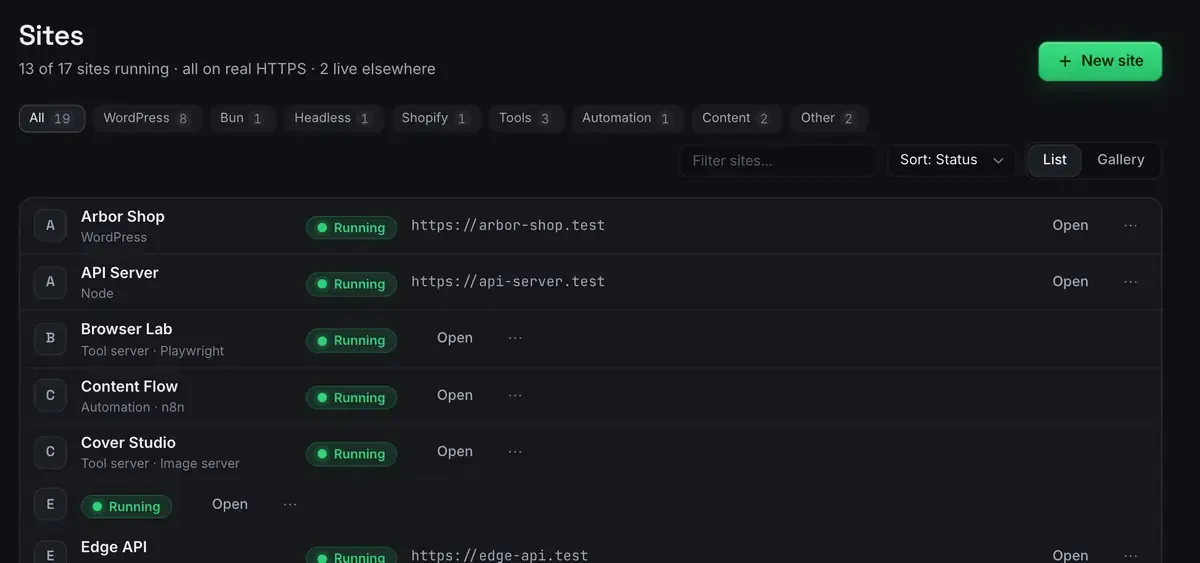
No meter on iteration. Development costs your machine’s time rather than a monthly allowance. There is no build-minute figure to worry about, because there is no build service in the loop.
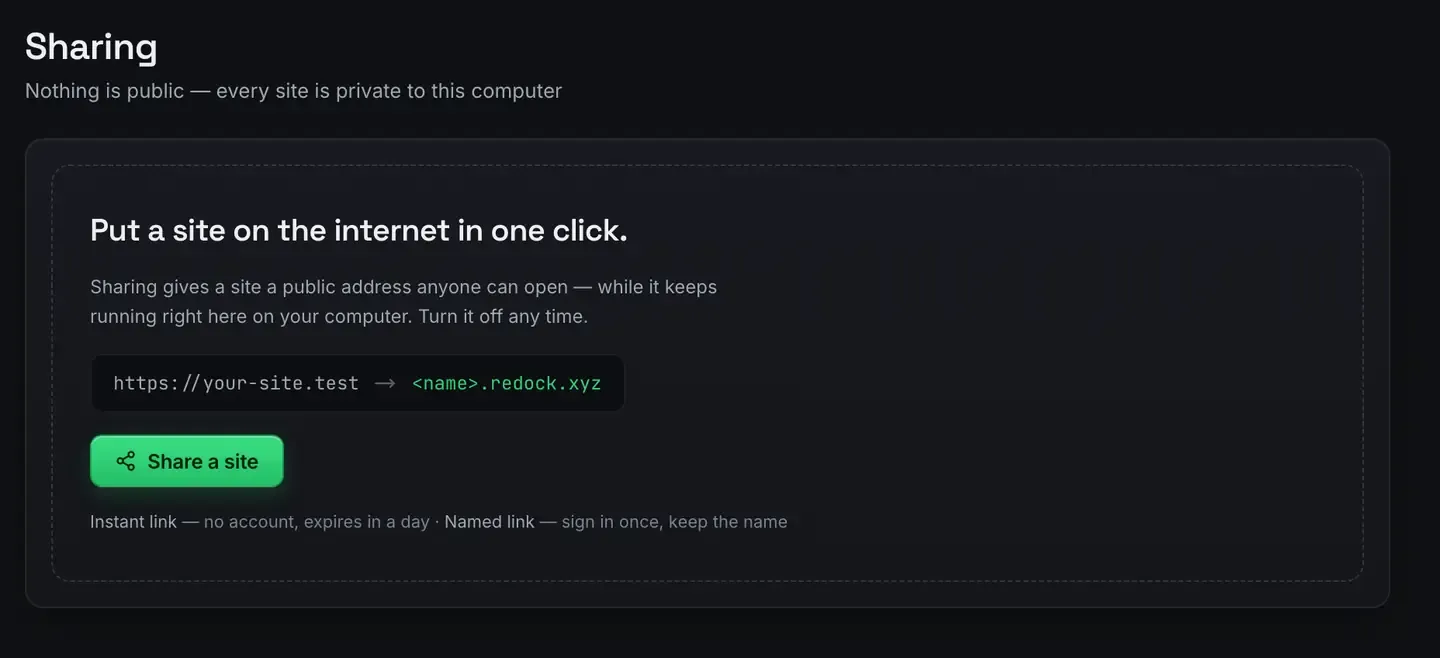
Sharing without a deploy. Unlimited unlisted links plus three named redock.xyz subdomains that keep their name, so a review address exists without a hosting account.
Deploys through your own account.

The token is yours, made from a template with the scopes the app needs, and it lives in your own credential store. When the free tier’s numbers change, they change on an account you control.
The honest trade: your machine has to be awake to serve a tunnel, and you do not get automatic global continuous integration. For a production app with worldwide traffic, that is the hosted platforms’ territory.
Choosing, and combining
These are not exclusive, and the sensible setup often uses both. Develop and share locally, where nothing is metered and the review link is instant. Deploy production wherever fits: Cloudflare’s free tier from the same window, or a hosted platform if you want its integration and previews for a team app.
One caveat worth carrying from the figures above: if the site is a client’s, read Vercel’s non-commercial sentence before you put it on Hobby.
For the broader field, MAMP alternatives; for tunnels specifically, free tunnel alternatives to ngrok; for the deploy path, deploy a website for free.
FAQ
Are these free tiers enough for a small site?
Often, yes. Check the current terms for your case, because they change and they have changed recently: Netlify moved to credits for accounts made after 4 September 2025, and Vercel’s Hobby plan is now expressed in compute hours rather than function seconds.
Which free tier is best for a client’s site?
Read the terms rather than the allowances. Vercel’s FAQ says Hobby is for personal, non-commercial use. Netlify and Cloudflare print no equivalent restriction on their free plans as of 11 September 2026.
Can I use both a local stack and a hosted platform?
Yes, and it is the common setup. Develop and share locally, then deploy production wherever suits the project.
Does a local stack give me global delivery?
Not while it is local, and that is a deploy-time concern rather than a development-time one. A one-click deploy puts the built output on Cloudflare’s network.
Want to own the local half of your stack? Download ReDock for macOS or Windows.